VMware Alternatives: How to Migrate Without Losing Your Automation




For most IT leaders, the VMware question now comes down to timing. In a Rimini Street survey of 269 VMware user organizations, nine in ten said higher licensing costs were pushing them to consider alternatives, and 60% were weighing a multi-hypervisor strategy. With vSphere 8, ESXi 8, VCF 5.2 and Aria 8.18 all reaching VMware End of Service on October 11, 2027, the planning window is closing fast.
Most migration plans start with the hypervisor and leave the automation for later: the provisioning blueprints, configuration runbooks, DR workflows and Aria Orchestrator scripts your team spent years building to keep operations moving. This guide covers what the data says about the shift to VMware alternatives, where automation risk hides inside a VMware migration, and how Resolve carries those workflows onto whatever platform you choose, connects the new tools you adopt along the way and delivers results in weeks.
Why IT Leaders Are Moving to VMware Alternatives
Licensing cost is the loudest driver. In the same survey, 73% of respondents named cost savings a top priority for their virtualization roadmap, 54% cited the end of perpetual license support as a reason to look elsewhere and 48% had no plans to move any assets to VMware Cloud Foundation.
The pressure comes from three directions:
- Cost pressure. Broadcom's move to subscription bundles and multiyear VCF renewals has raised costs sharply for teams that only ever needed vSphere.
- Support deadlines. Perpetual license holders lose patches and security fixes for vSphere 8 after October 11, 2027.
- Platform fit. Plenty of teams are paying for a full private cloud stack when their workloads need a fraction of it.
Migration carries its own costs. The same survey found operational complexity (40%), multi-vendor management (38%) and team skills (37%) among the biggest barriers to change, and the engineers running the migration are the same ones keeping production up.
The VMware Migration Clock Is Already Running
October 11, 2027 is VMware End of Service for vSphere 8, ESXi 8, vCenter 8, vSAN 8, NSX 4, VCF 5.2 and both Aria Automation and Aria Operations 8.18, per Broadcom's End of Service notice. From that date those versions stop receiving patches and security fixes.
The deadline gets tighter once you map it against real migration effort. Large estates with years of integrations, scripts and runbooks layered on top often need a year or more to move, and that clock only starts once a platform is chosen.
Work backward from October 2027 and most teams need their platform choice locked in within the next few months, which means every week spent rebuilding automation by hand comes straight out of a runway that is already short.
The Overlooked Risk in Every VMware Migration: Your Aria Automation
Every VMware alternative has to work with the operational tools you already run, and in most VMware shops the most important of those is the automation built in Aria. That automation is at risk on every path forward, including the one where you stay.
In VCF 9, Aria Automation and Aria Operations become VCF Automation and VCF Operations, and upgrading requires importing existing Aria Automation instances into VCF Operations fleet management (Broadcom KB 433806). Broadcom has also deprecated VCF Automation Pipelines in VCF 9, so teams that depend on them have to rebuild. And VMware vSphere Foundation, the lower-cost edition many teams are weighing, ships with vSphere, vSAN, vSphere Kubernetes Service and VCF Operations and leaves VCF Automation out (VMware feature comparison).
That leaves three paths, each with automation work attached:
- Upgrade to VCF 9. Replatform Aria Automation to VCF Automation, plan the cutover and rebuild anything deprecated along the way.
- Move to VVF. Lower cost, with no VCF Automation included, so your provisioning and lifecycle workflows need a new home.
- Move to an alternative hypervisor or HCI. Every blueprint and Orchestrator workflow written against vCenter APIs has to be rebuilt for the new platform.
Whichever path you take, your automation has to move. The smart play is to move it once, into an orchestration layer that runs on any hypervisor and stays put through every renewal cycle that follows. For a side-by-side look at the options, see our guide to the best VMware Aria replacements.
What to Prioritize When Choosing a VMware Alternative
Teams selecting a VMware alternative tend to weigh the same set of attributes, and every one of them has an automation question attached. Ask these before you sign:
How Resolve Brings Your VCF and Aria Automation Forward
Resolve is a hypervisor-agnostic automation and orchestration platform that sits above your infrastructure, so the workflows you build keep running whatever platform sits underneath them. Since 2012, enterprise IT, network and infrastructure teams have used Resolve to orchestrate provisioning, configuration, recovery and remediation across the tools they already own.
Bring Your Existing Automations Into Resolve
Resolve connects to your VMware stack today, so you can run builds through vCenter and Aria using the blueprints you already maintain and wrap them in end-to-end orchestration while you plan the move. Resolve already handles the last mile of VM provisioning (IP, DNS, Active Directory, firewall rules and monitoring) and disaster recovery orchestration across VMware, Nutanix, Hyper-V and public cloud, so each workflow gets rebuilt once and runs on VMware during cutover and on your new platform afterward.
Connect Every New Tool You Adopt
A VMware migration rarely changes only the hypervisor. New backup, HCI management and cloud tooling comes along with it, and Resolve integrates with everything in that stack, including ServiceNow and other ITSM platforms, backup and data protection, cloud APIs, and network and security tools, with firewall change automation across Palo Alto, Fortinet, Check Point and Cisco. Each new tool slots into workflows your team already trusts, and those workflows fire from the triggers infrastructure teams live by: an alert, a system event, a tool action or a chat request. See the full range of infrastructure automation Resolve runs today.
Get Value Fast
- Rapid results. The Automation Vault holds 5,000+ prebuilt workflows, including common infrastructure work like VM provisioning, post-build configuration and disaster recovery, so teams start from working automation and ship in weeks.
- Predictable execution. Every action runs through a defined, deterministic workflow, which keeps change control and audit intact through every migration wave.
- Flat pricing. Resolve is flat priced with every building capability included, so your automation costs hold steady while your platform costs reset. See how Resolve compares to Broadcom on pricing.
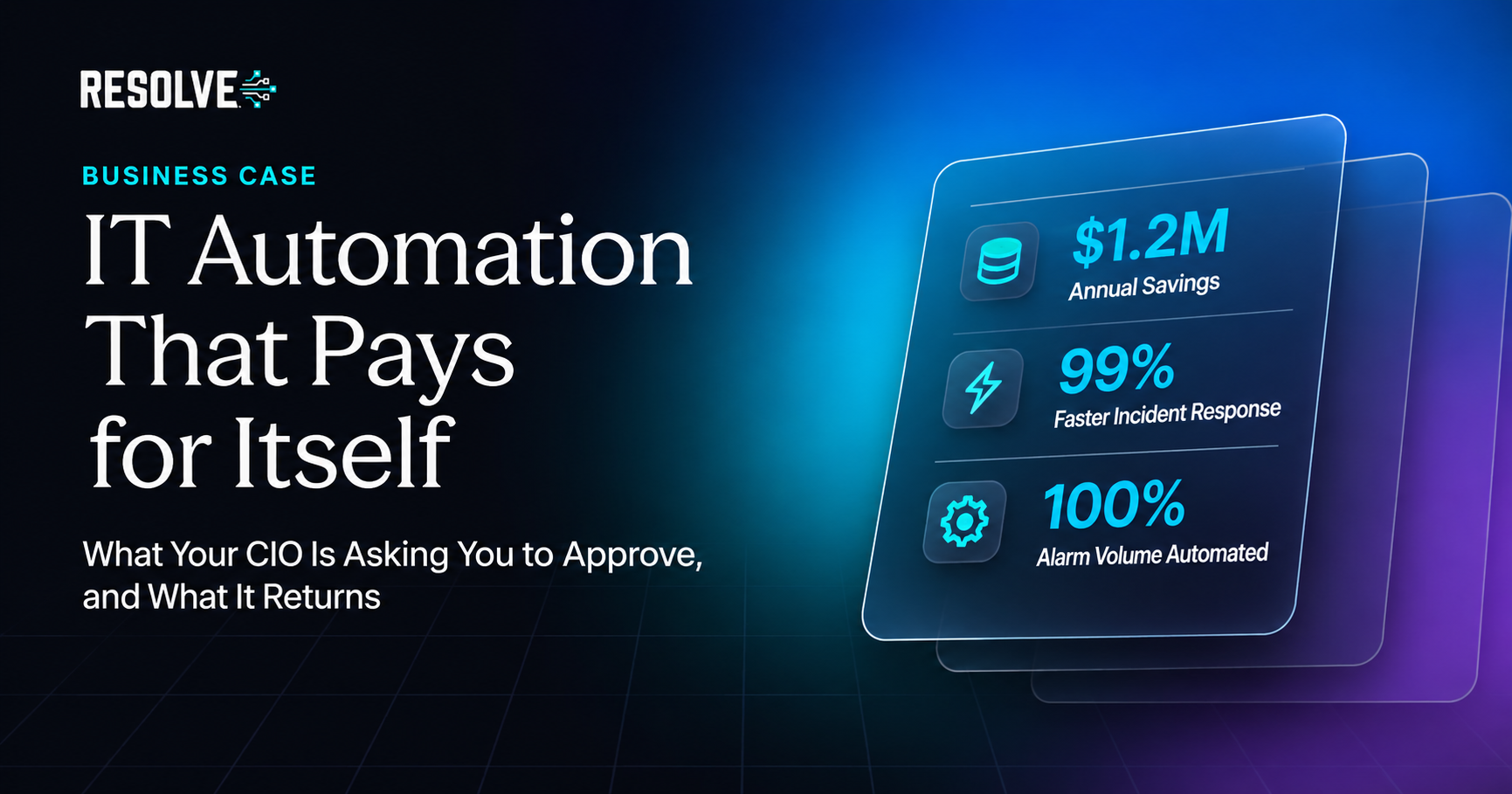
- Proven at scale. One global telecom runs 200K+ closed-loop network automations every day on Resolve, another saves $80M a year, and Resolve customers report 70% lower tool spend and 99% faster MTTR.
Give Your Team Its Time Back
The staffing math is plain: the same engineers have to run production and the migration at the same time. Every manual provisioning ticket, config change and recovery drill pulls engineers away from the migration plan. Resolve executes that work at machine speed with the same result every time, which frees your team to focus on the platform decisions, testing and cutover that need their judgment. Peel Police already uses Resolve to automate its VMware server builds, and the same approach carries over to whatever platform comes next.
A 90-Day Plan to Migrate Your VMware Automation
This plan runs alongside a typical 90-day platform selection window, so your automation is ready by the time your platform decision is final.
- Days 1 to 30: Inventory. Catalog every Aria Automation blueprint, Orchestrator workflow, pipeline and script, then tag each one by business impact and the VMware APIs it depends on.
- Days 31 to 60: Connect and orchestrate. Connect Resolve to your current VMware stack and ITSM platform, then bring your highest-impact infrastructure workflows under Resolve orchestration so they keep running exactly as they do today.
- Days 61 to 90: Rebuild for the target platform. Rebuild priority workflows to run hypervisor-agnostic, test them against your chosen alternative and wire in the new backup, cloud and management tools.
- Cutover and beyond. Migrate workloads in waves while Resolve runs provisioning, configuration and DR on both platforms, then retire Aria on your own schedule ahead of October 11, 2027.
Move Your Automation Once and Run It Anywhere
The October 11, 2027 deadline is fixed, and the teams that finish on time will be the ones that move their automation first. Book a demo to see your VMware provisioning, configuration and DR workflows running in Resolve on the hypervisor you choose, connected to the tools you are bringing with you.
Frequently Asked Questions: VMware Alternatives
What are the main VMware alternatives in 2027?
The most common options are alternative hypervisors such as Microsoft Hyper-V, Linux KVM, XEN and Proxmox; hyperconverged platforms with a native hypervisor such as Nutanix AHV, Scale Computing HyperCore and StorMagic; distributed hybrid infrastructure such as Azure Local and AWS Outposts; public cloud; and container platforms. Many teams end up running more than one, and the right mix depends on your workloads, budget, compliance needs and existing tools.
When does VMware Aria Automation 8.18 reach end of support?
Aria Automation 8.18 reaches VMware End of Service on October 11, 2027, the same day as vSphere 8, ESXi 8, VCF 5.2 and Aria Operations 8.18.
Does VMware vSphere Foundation include VCF Automation?
No. VMware vSphere Foundation includes vSphere, vSAN, vSphere Kubernetes Service and VCF Operations. VCF Automation ships with the full VMware Cloud Foundation edition.
How long does a VMware migration take?
It depends on the size of the estate and how much sits on top of it. Smaller environments can move in a few months, while large estates with years of integrations and automation often take a year or more, which is why automation planning belongs at the start.
How do I migrate Aria Automation workflows to another hypervisor?
Inventory every blueprint, Orchestrator workflow and pipeline, bring the critical ones under a hypervisor-agnostic orchestration platform like Resolve, rebuild them once for the target platform and run them on both platforms through cutover. Our guide to the best VMware Aria replacements compares the leading options.
Can automation keep running during a VMware migration?
Yes. Resolve orchestrates provisioning, configuration and DR workflows across VMware and your new platform at the same time, so operations continue through every migration wave.
Sources
- The Register: Nine in 10 VMware customers eye the exit as licensing bills bite (Rimini Street survey)
- Broadcom: Upcoming End of Service for vSphere 8, vSAN 8, Aria 8, NSX 4 and VCF 5
- Broadcom KB 433806: Import and upgrade VMware Aria Automation 8.x to VCF Automation 9.0
- Broadcom KB 378424: Deprecation of VCF Automation Pipelines from VCF Automation 9
- VMware vSphere Foundation feature comparison