
Automated Password Resets: The Effortless Way to Get Employees Back Online

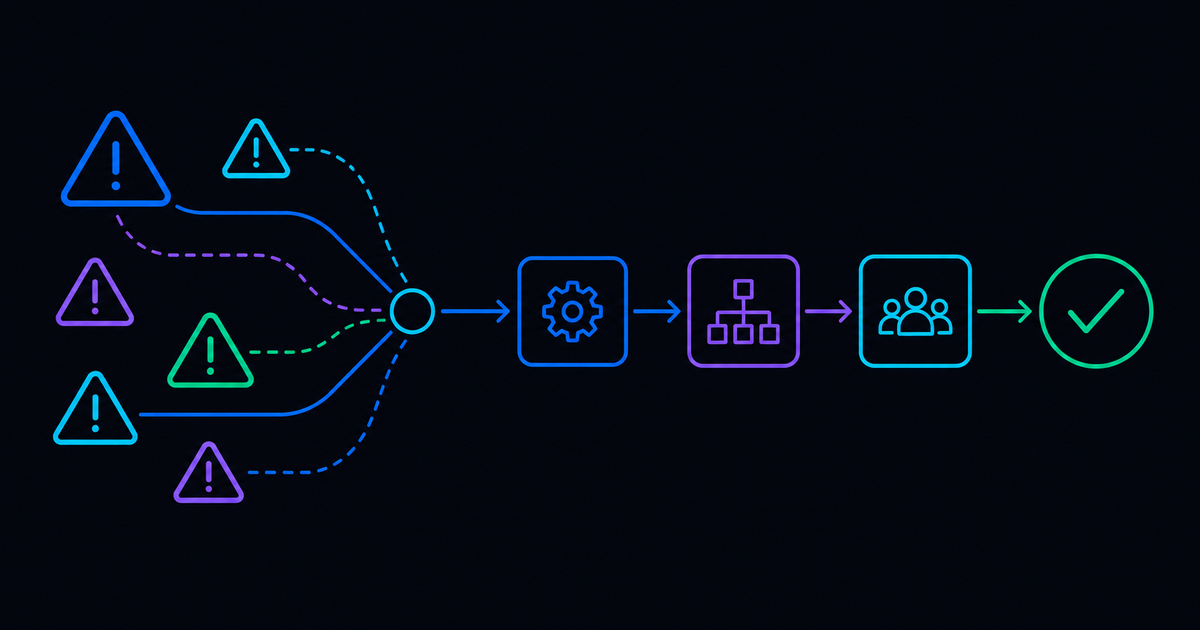

The password reset just might be the most notorious high-volume, repetitive IT ticket ever.
Who actually remembers passwords, anyway? Considering just about everything done online requires some sort of login with a unique username and password, remembering all those individual combinations of letters, numbers, and special characters isn't easy.
And so employees turn to IT for what can be nonstop help. Password resets might not be difficult, but they take up way too much time for teams of IT professionals and therefore can sneak in a lot of unexpected expenses for businesses.
Automating password resets makes a world of difference for IT teams, enabling these tiny tasks to become self-serve, and allowing IT to maintain governance and oversight on crucial areas like governance and security.
Fortunately, in addition to modern password technologies that securely remember passwords for people, self-service and automated ticket resolution makes everything better. Automating password resets has powerful impact on the service desk, and the metrics prove it.
The average IT helpdesk labor cost for just one password reset is $70, according to Forrester.
The Many Mandates of Password Resets
Password resets, Gartner reports, make up at least 20 percent of IT service desk tickets.
A lot goes into passwords because of their great importance in the world of IT. Password creators and users are asked to make them very complex as to up their security game and eliminate the chance of someone else getting their hands on a password that doesn't belong to them. Capitalization, unique symbols, and numbers become a secret code, typically between eight and 12 characters, to protect the people that make up an organization, as well as the business itself.
Each company has a set of systems that require passwords. IT teams try their best to ensure that employees are following set password criteria and making safe decisions, like not repeating or reusing passwords (even though remembering fewer passwords might seem easier).
It's an additional layer of what employees are expected to do when managing their passwords; a lot to pile on top of the strict criteria for creating personalized login information.
A single sign-on program can help sometimes, but when it can't, that's where IT comes in. Here, the tickets are generated and the opportunity for automation enters the room. Automation alleviates the IT staff requirements of consistently answering password reset tickets.
The Serious Security Implication of Repeated Passwords
Recycling the same password for so many systems, including those that are internal and external, opens doors for security issues. Password reuse is common, and there are many people practicing this not-so-ideal strategy.
Yes, it seems as though using the same password would be less of a headache, but it can be problematic for the organization and bring down its ability to combat threats.
There's also the strategy that many organizations practice wherein employees are asked to create an all-new password every 90 days. It's part of following best practices within security information protocols, and simply put, there's no way around it. With this process that comes every three months, employees are also asked to make multiple character changes. Altering only one character within a password is too little of a difference to maintain protection.
IT professionals insist that more change has to happen when going from password to password every three months. A sufficient change must add enough layers of security to the mix because there's so much automation that the persistent threat of a slightly altered password is just too risky for organizations.
The best way to go when changing passwords is to change at least five characters over the course of many different passwords. It indeed becomes challenging for employees to remember every password they create, which means a lot of help is being asked from IT in order to get through the forgotten password barrier.
Password Resets and Manual Process Behind the Automated Ticketing System
For larger corporations that keep a lot of proprietary information and service, (and often have their own applications and servers), password resets require deeper work than one might see from the surface level. The process gets into the unique workings of the organization, where the servers might be kept in a back room that no one ever visits.
Password resets call for remote connection in this sense, and so the need to remember password remains highly important for the organization and its IT team.
It's easy to resort to the password reset ticket, but because of the proprietary services that most corporations offer (but are generally unavailable), the reset doesn’t often utilize SaaS platforms. Once the user submits the password reset ticket, a human IT professional does, in fact, have to manually complete the request. So in all reality, it isn't the easy "click for a new password" step it might seem.
Basically, users might get an email that automatically requires them to once again go through a password change, but the password rules that prevent reuse of old passwords pile complexity on top of complication.
An Example of an Automated Password Reset
The many SaaS applications easily expose a password reset link ... a "one click and you're done" type of process. But once again, proprietary systems and legacy, on-premises applications don't allow for such simplicity.
Resolve's password reset automation integrates with other applications when no other access to a company-issued computer is available. For instance, with an on-prem active directory, employees needing to regain access to their computer and their work are stuck looking at a blank screen with an empty password field. There might be a self-service page that employees can pull up on their mobile devices, but there's a much more streamlined way to unlock their account.
This method uses text messaging (like texting a chatbot). It starts with Resolve's platform building out the automation, using an entirely digital approach that essentially architects the steps that represent an organization's particular process with a visual workflow. Not only is it easy to use because of its drag-and-drop nature, but the approach takes advantage of thousands of built-in itegrations and activities.
IT operators can use these built-in integrations to send texts within any stage of an automated workflow.
Let's say that an employee of Corporation XYZ is locked out of their system and has no idea what their password is. To get access, the first thing the employee does is send a message through their phone to the communication chatbot. The message automatically kicks off a workflow and sends confirmation back to the employee, letting them know of a few options for help.
The automation has already figured out who this specific employee is by correlating their mobile number with a multi-factor authentication database, such as Duo. The process starts with this first layer of security, which is the recognition of the employee's mobile number and verification that they do work for Corporation XYZ.
The employee chooses the option to text "reset," and then they receive verification on their mobile device that the request for a reset has been approved. Without further ado, the password reset process is carried out, and the employee can see it happening via text on their mobile devices.
They'll shortly get a message that the password reset was completed successfully, along with a temporary password that's configured to adhere to Corporation XYZ's password security policy. It even provides a timestamp and a reminder that the temporary password will expire in 72 hours.
For even more details on the difference automation can make for password resets, watch our product demo here.
No matter where the trigger takes place and the source originates, the automation password reset process easily gets the employee back to work.
Common Service Desk Workflows to Automate Next
Password reset automation is often the first win, but the same approach works for access requests, account unlocks, and other high-volume Tier 1 workflows that drain the service desk. If you’re mapping the next set of automations, connect this to ITSM automation and service desk automation so improvements compound across the rest of your request catalog. Transformative IT success will follow shortly after!
Ready to supercharge your IT with automated password resets?
→ Request a Demo
→ Try the ROI Calculator

.png)
.png)