Automate Email and Calendar Recovery
Resolve messaging issues in real time. Fix distribution lists, mailbox errors, and calendar failures with policy-driven automation.


Email Breaks. Work Stops.
When distribution lists fail or calendar events disappear, productivity halts. IT teams face a surge of repetitive tickets that delay resolution. Manual troubleshooting across Exchange, Office 365, and identity systems creates friction. Users lose time, teams miss meetings, and critical messages go undelivered.
Resolve automates messaging issue detection and recovery end to end, eliminating delays and keeping collaboration seamless.

Reduce Ticket Volume
Automatically identify and repair common email and calendar issues before they reach IT.

Restore Communication in Seconds
Resolve sync errors, access failures, and distribution list problems instantly without human intervention.

Ensure Accuracy and Compliance
Maintain correct permissions, policies, and configurations across Exchange, O365, and hybrid environments.
Automatically Diagnose & Fix Outlook Email Issues
In this demo, watch RITA, Resolve’s agentic IT assistant, automatically diagnose and fix an Outlook email sync issue autonomously, with no human intervention required.
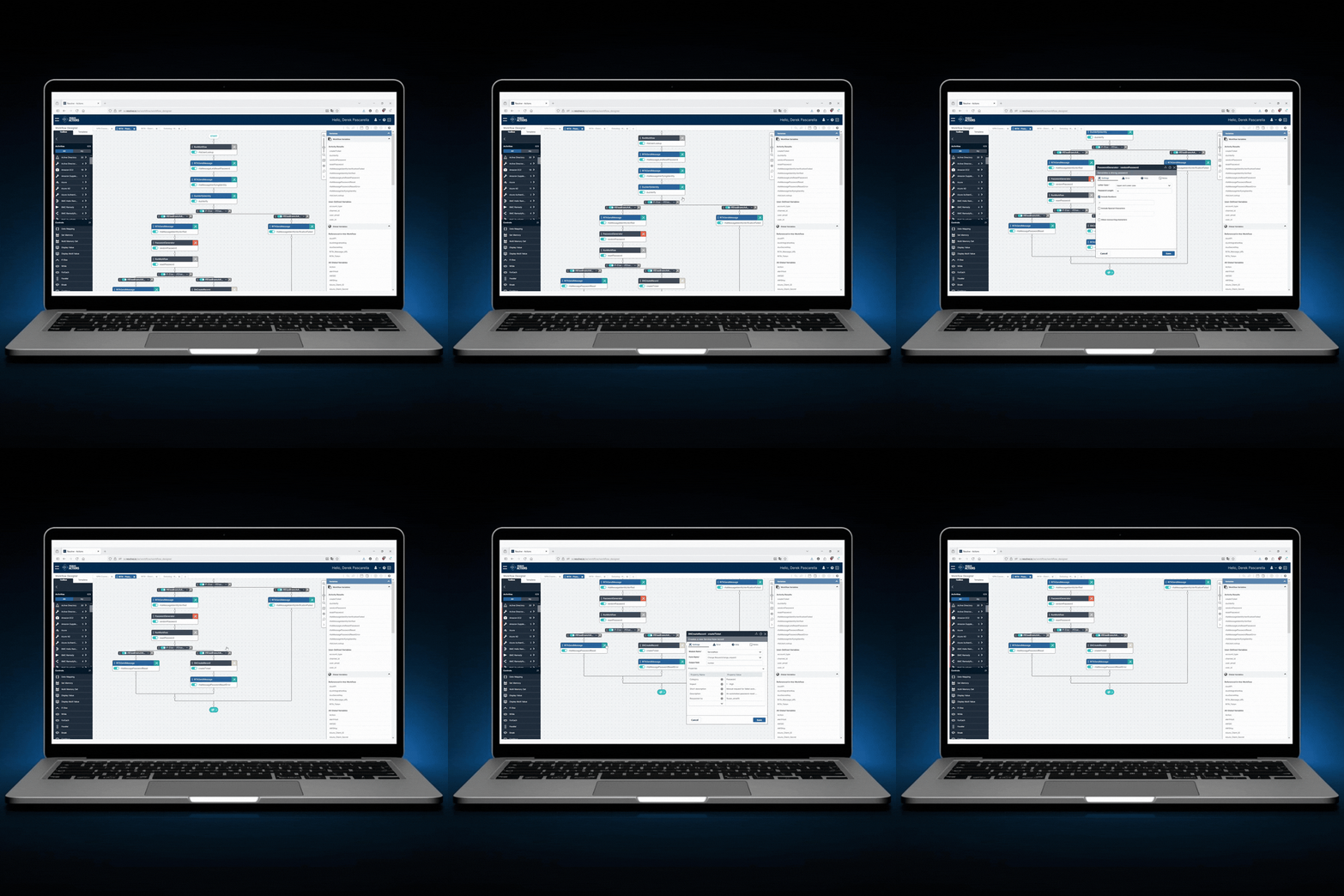
Built to Automate Common Messaging and Calendar Workflows
- Add or remove members based on source of truth
- Repair sync issues between AD, Azure, and O365
- Recreate or reset corrupted lists
- Restore broken meetings and recurring invites
- Resolve cross-time zone conflicts and access issues
- Sync calendar data across devices
- Correct send-as, delegate, or shared mailbox permissions
- Remove expired policies and conflicting rules
- Detect full mailboxes
- Identify blocked senders
- Trigger automated cleanup workflows
Detect. Diagnose. Remediate.
Resolve combines AI-powered detection with automated remediation workflows to keep messaging systems running flawlessly.