Fix VPN Access. Keep Teams Connected.
Troubleshoot and resolve VPN issues autonomously with intelligent workflows that restore access in real time and eliminate escalation.

VPN Access Shouldn’t Break Productivity
When users lose VPN access, everything stops. IT teams get flooded with tickets while remote employees wait for help. Manual troubleshooting, checking configs, running diagnostics, and resetting connections consumes hours and erodes productivity.
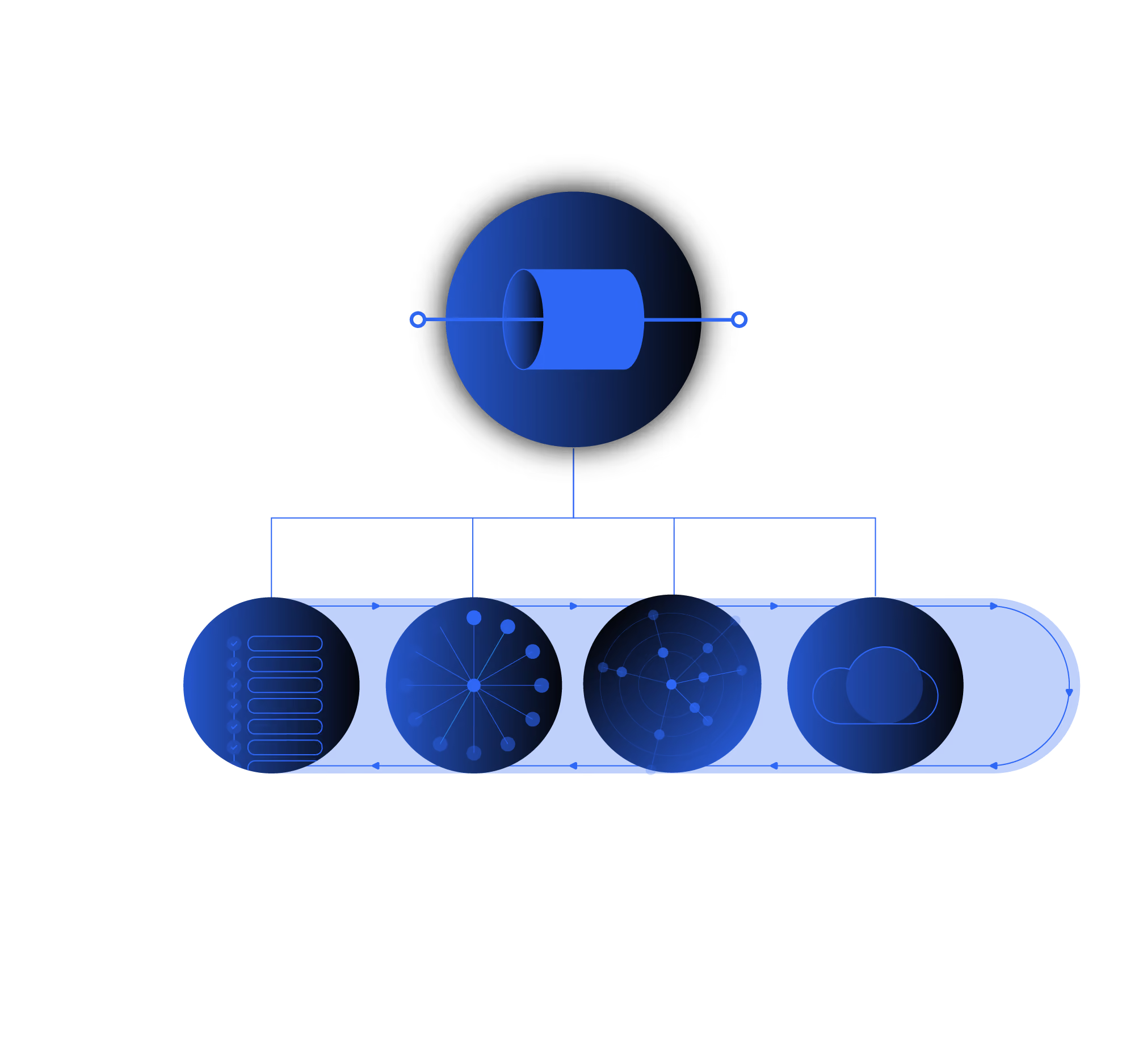
Resolve automates the entire process, from detection to resolution, ensuring seamless connectivity and fewer interruptions.

Reduce Ticket Volume by 70%
Automatically diagnose and fix VPN issues before they reach the help desk.

Restore Connectivity in Seconds
Resolve expired certificates, misconfigured clients, or authentication errors instantly, no technician required.

Cut ITSM Workload and Costs
Free up IT teams from repetitive VPN troubleshooting while maintaining visibility and audit trails.
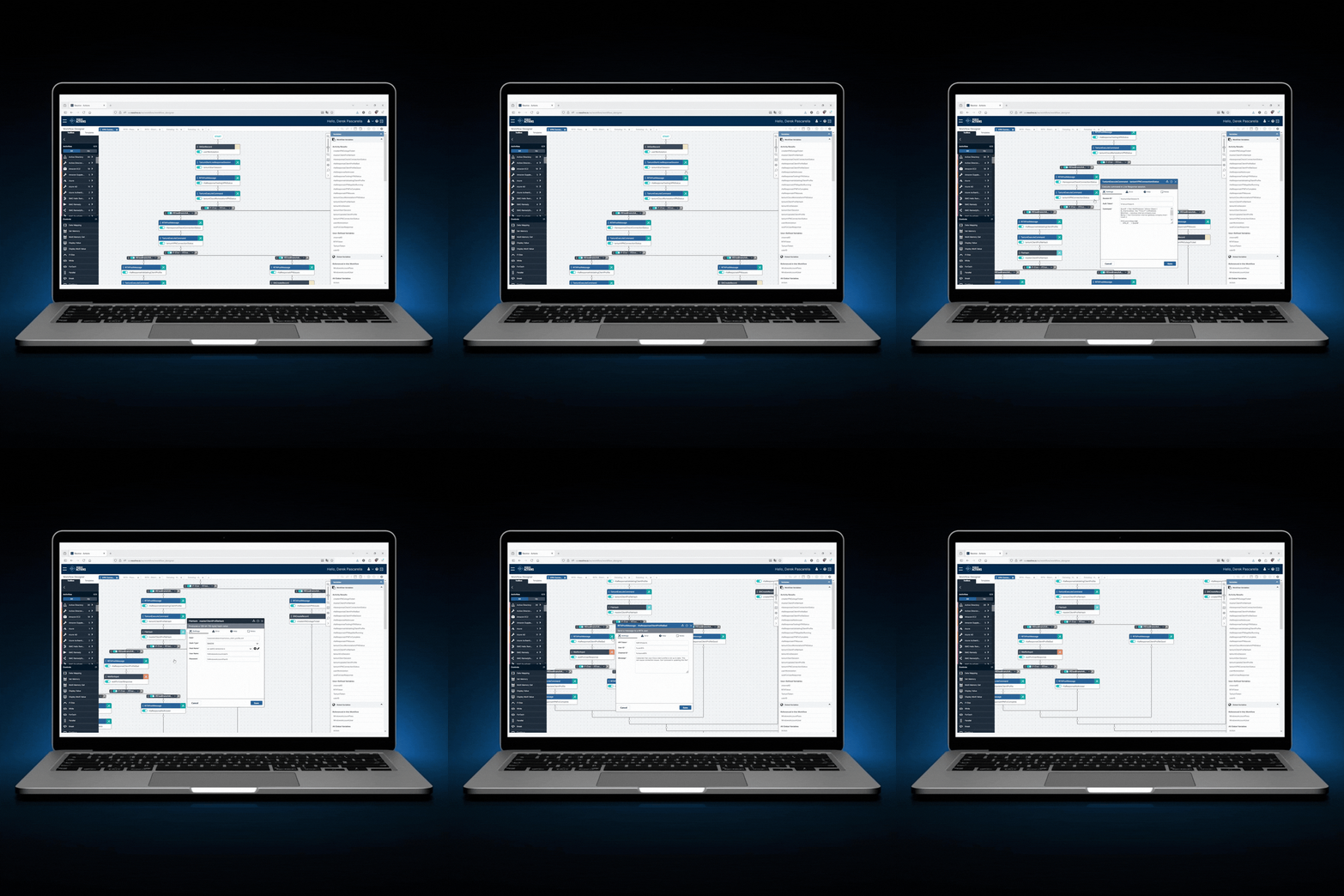
Built to Handle Any VPN or Remote Access Workflow
- VPN service status
- Local firewall or DNS conflicts
- Outdated VPN client versions
- Revalidate expired or cached credentials
- Reset profiles or configurations
- Detect and fix MFA sync issues
- Renew client certificates
- Validate token expiration
- Sync with identity providers
- Route to IT only when automation cannot resolve
- Attach diagnostics and recommended next steps
Diagnose. Remediate. Confirm. No Humans Required.
Resolve combines intelligent monitoring, contextual diagnostics, and closed-loop automation to deliver full-cycle VPN issue resolution.