10 AIOps Automation Use Cases Transforming IT Operations


At a Glance
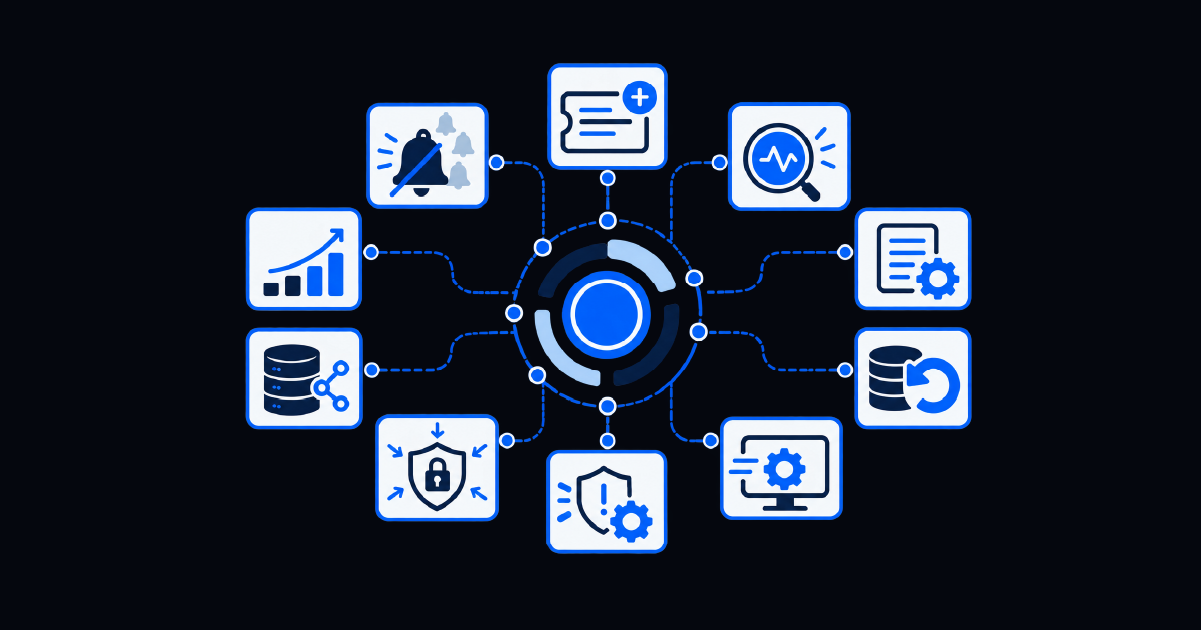
- AIOps automation use cases extend far beyond alerting to include ticket enrichment, root cause analysis, predictive scaling, remote remediation, security containment, and compliance patching.
- AIOps identifies patterns and recommends actions, while automation executes the diagnostics, remediation, validation, and documentation required to close the loop.
- The best starting point is usually a frequent, repeatable operational problem with a known resolution path and measurable impact.
- Teams should begin with one or two use cases, prove the result, and expand automation based on evidence rather than trying to address everything at once.
AIOps is often discussed as a broad technology category. That framing can make it difficult for an IT operations leader to connect the concept with the problems consuming the team’s time today.
The practical question is simpler: Where does your team repeatedly lose time between detecting an issue and resolving it?
Maybe engineers are drowning in alerts. Perhaps escalated tickets arrive without useful context; alternatively, the same incident may keep returning, or a known fix still requires someone to run the same commands manually. Each problem represents a potential AIOps automation use case.
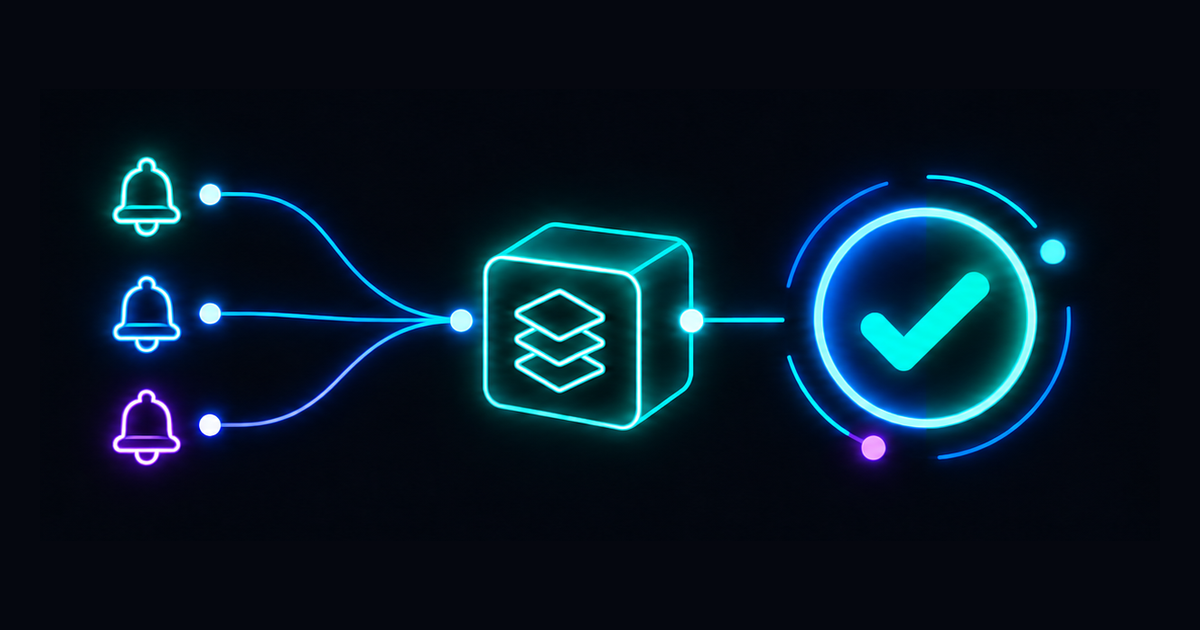
Across these examples, the division of labor is important. AIOps analyzes signals, detects patterns, correlates events, and surfaces likely causes. Automated remediation turns that insight into governed action. It runs diagnostics, executes an approved response, verifies the result, updates the system of record, and escalates when the workflow cannot proceed safely.
10 AIOps Automation Use Cases That Help Close the Gap Between Alert and Action
1. “Your Alerts Are Burying the One That Matters”: Noise Reduction and Correlation
If this sounds like your team, engineers spend more time sorting alerts than fixing incidents. Duplicate, low-value, and cascading alerts fill the queue while the one signal tied to a serious service problem gets lost.
AIOps can correlate alerts by timing, topology, affected service, and historical behavior. It suppresses duplicates, groups related symptoms, and identifies the signal most likely to represent the underlying problem.
Automation can then resolve approved, low-risk anomalies before they reach a human queue. Resolve’s guide to incident response strategy provides a deeper look at how triggers move into automated workflows.
2. “Escalations Take Too Long Because Nobody Has Context”: Automated Ticket Enrichment
When a ticket reaches L2 or L3, technicians may spend the first 15 to 30 minutes reading its history, checking the CMDB, finding device information, and reconstructing what L1 attempted.
Automated enrichment performs that discovery work as soon as the ticket is created or escalated. The workflow can add identity and device data, affected services, recent changes, diagnostic output, related incidents, and past resolutions.
Resolve Agent Assist takes this further by recommending a next action, triggering an available automation, and capturing the outcome for the next technician.
3. “The Same Incident Keeps Happening”: Automated Root Cause Analysis
Some incidents disappear after a restart and return two weeks later. Each occurrence gets resolved as an isolated event because nobody has time to investigate the recurring cause.
AIOps can correlate incident history, recent changes, configuration data, topology, and service dependencies to identify repeated patterns. Instead of showing another application failure, it may reveal that each failure follows the same memory condition, network change, or downstream dependency problem.
Automation can collect the supporting evidence and run approved diagnostics. That gives engineers a stronger starting point for eliminating the cause rather than repeatedly treating the symptom.
4. “You Scale Infrastructure After Users Notice”: Predictive Capacity and Auto-Scaling
Capacity problems often become visible only after response times increase, a storage pool approaches exhaustion, or an application begins rejecting work.
Capacity forecasting is a common AIOps automation use case: the platform uses historical utilization and growth patterns to forecast when CPU, memory, storage, database connections, or other resources will cross an operational threshold. That forecast creates time to act before users experience degradation.
A governed workflow can scale a cloud resource, archive data, redistribute a workload, or open an approved capacity change. Cost limits, maintenance windows, and validation checks should remain part of the process so proactive scaling does not become uncontrolled spending.
5. “A Known Issue Takes 20 Minutes to Fix Every Time”: Runbook Automation
A documented solution is not the same as an automated one. A technician may still need to open the runbook, access several systems, execute commands, update the ticket, and confirm that the service recovered.
AIOps can match the detected condition to a known-error pattern. Automation then validates prerequisites, runs the approved steps, checks the result, documents each action, and escalates exceptions.
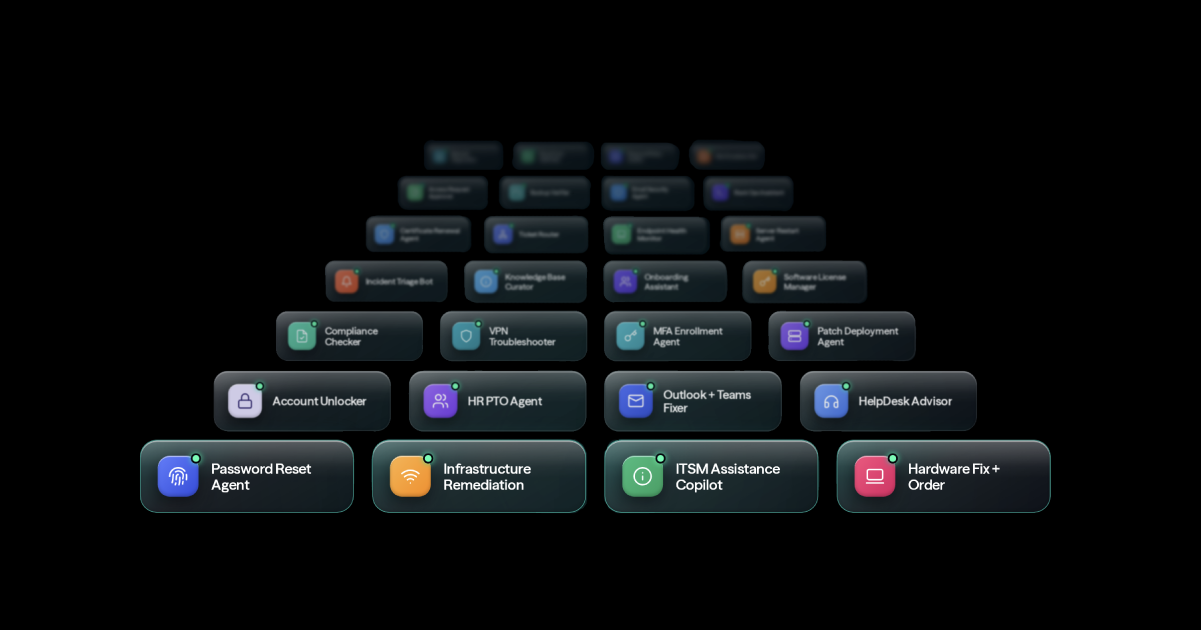
This is where auto-remediation delivers immediate value. Recurring service restarts, cache clearing, disk cleanup, process recovery, and configuration corrections can often move from a page to a verified workflow.
6. “Deployments Break Things and Nobody Notices”: Monitoring and Automated Rollback
A deployment may complete successfully while quietly degrading application performance. The connection between the release and the new incident becomes harder to identify with every passing minute.
AIOps can correlate deployment events with changes in latency, errors, availability, and infrastructure behavior. Synthetic tests and service-level indicators provide further evidence that the release changed the user experience.
When predefined conditions are breached, automation can pause the rollout, restore a last-known-good configuration, or initiate a governed rollback. It should then validate recovery and update the relevant change and incident records.
7. “A Field Technician Was Dispatched for a Remote Fix”: Remote Auto-Remediation
Truck rolls are expensive, slow, and sometimes unnecessary. A technician may arrive only to restart equipment, correct a configuration, or resolve a signal issue that could have been diagnosed remotely.
This is one of the more practical AIOps automation use cases in telecom: analyzing network and device telemetry before a truck is ever dispatched. Automated workflows can run health checks, validate configuration, restart services, apply approved corrections, and confirm whether the site recovered.
Physical work will always require field expertise. The opportunity is to reserve dispatches for problems that genuinely require it. The telecom field operations guide explores remote troubleshooting and predictive maintenance in greater depth.
8. “Security Incidents Take Too Long to Contain”: Automated Correlation and Containment
Security signals often arrive through multiple systems. By the time analysts connect suspicious authentication, endpoint activity, and network behavior, the exposure window may already have grown.
AIOps can correlate those signals and identify the affected user, account, host, or service. A governed response can isolate an endpoint, disable a session, block an address, revoke a credential, or initiate another approved containment action.
High-impact steps may still require human approval. The objective is to automate evidence collection and safe containment while preserving clear authority, escalation, and auditability.
9. “Every Team Sees a Different Incident”: Cross-Domain Correlation
A customer-facing slowdown may involve an application, a cloud service, a database, and the network path between them. Application, infrastructure, and network teams each see a different symptom and may begin separate investigations.
Cross-domain correlation brings those signals into one incident view. Service maps, dependency data, logs, metrics, changes, and ticket activity help reveal how the symptoms connect.
Automation can coordinate the response across tools and teams, run diagnostics in parallel, and preserve one timeline. The result is not another dashboard. It is a shared operational picture that can trigger action.
10. “Compliance Patching Falls Through the Cracks”: Vulnerability-Triggered Remediation
A vulnerability scanner can identify an exposed asset, but detection does not guarantee that remediation happens promptly. A finding may wait for manual review, ownership, scheduling, and follow-up.
A vulnerability-triggered workflow connects the scan result to action. It verifies the asset and severity, checks policy and maintenance requirements, routes approval when needed, applies the patch or configuration change, and validates that the exposure is closed.
Resolve’s approach to governance and security automation keeps permissions, approvals, rollback rules, and audit evidence attached to the remediation process.
How to Turn These AIOps Automation Use Cases into a Starting Point
Do not try to implement all 10 use cases at once. Start by identifying the one or two symptoms that create the greatest recurring burden for your team.
Look for work that is frequent, measurable, and understood. Good candidates have recognizable triggers, repeatable diagnostic steps, approved actions, clear success criteria, and an escalation path when automation encounters an exception.
Establish a baseline before automating. Measure the current alert volume, manual handling time, escalation rate, MTTR, dispatch cost, recurrence rate, or patch delay. That baseline will show whether the workflow produces a real operational improvement.
The first use case should also create reusable building blocks. A diagnostic check, integration, approval pattern, or remediation activity built for one workflow may support many others. That is how AIOps automation grows from an isolated win into broader operational capacity.
Turn AIOps Insight into Governed Action with Resolve
AIOps can tell your team what is happening, what is related, and what may happen next. The larger opportunity is connecting that intelligence to automation that diagnoses, acts, verifies, documents, and learns.
Resolve AIOps automation works with the observability and monitoring tools already in place, turning correlated signals into governed remediation across infrastructure, network, cloud, and ITSM systems.
Explore the AIOps automation use cases that map to your team’s most persistent operational pain.
Frequently Asked Questions
What Are the Most Common AIOps Automation Use Cases?
Common AIOps automation use cases include alert correlation, noise suppression, ticket enrichment, root cause analysis, predictive capacity planning, runbook automation, deployment monitoring, remote remediation, security containment, cross-domain correlation, and vulnerability-triggered patching. The most valuable use case depends on where the team currently loses the most time between detection and resolution.
How Does AIOps Support Automated Remediation?
AIOps analyzes signals, identifies patterns, and determines which events may require action. An automation and orchestration layer maps that insight to a governed workflow, runs diagnostics, executes an approved fix, verifies service recovery, records the result, and escalates the issue when conditions fall outside the automation’s defined boundaries.
Which AIOps Automation Use Case Should an IT Team Implement First?
Start with a high-frequency, repeatable problem that has a known resolution path and measurable cost. Alert enrichment, recurring service restarts, disk cleanup, ticket enrichment, and tested runbooks for known errors are often practical starting points. Avoid beginning with a rare, poorly understood, or highly consequential incident.
Does AIOps Replace IT Operations Teams?
No. AIOps reduces the repetitive correlation, investigation, and response work that consumes engineering capacity. Automation can handle known, governed actions, while people retain responsibility for novel incidents, higher-risk decisions, architecture, policy, and continuous improvement. The objective here is to focus human expertise where judgment creates the most value.