Beyond Drag-and-Drop: What Sets AI Workflow Tools Apart

At a Glance
- An AI feature does not make a workflow platform AI-native if the underlying build process still depends on manually assembling nodes.
- The clearest test is whether a plain-language process description produces a working workflow or merely suggestions for the next click.
- Useful AI workflow tools learn from the organization’s systems, operational history, and outcomes instead of applying identical static logic everywhere.
- Integration generation should remove scripting and configuration work while preserving authentication, permissions, validation, and error handling.
- The practical measure of democratization is who can build successfully, not how much faster existing automation specialists can use the same canvas.
“AI workflow tool” now describes products with very different build models. One may generate an executable workflow from a plain-language request. Another may add a chat panel or autocomplete to the same drag-and-drop experience it has offered for years.
That difference matters to buyers because teams choose workflow tools to reduce automation backlogs, eliminate repetitive work, and extend orchestration across ITSM, cloud, network, identity, and infrastructure systems. A thin AI layer may make a few steps faster without changing who can build or how much manual assembly remains.
The criteria below help buyers evaluate the product rather than the label.
What Makes an AI Workflow Tool AI-Native?
An AI-native workflow tool uses AI reasoning as part of the build model itself. It interprets the requested outcome and context, translates that intent into triggers, actions, conditions, and integrations, and produces a workflow that can be reviewed, tested, governed, and executed.
The stronger enterprise design often combines flexible AI reasoning with deterministic execution: AI interprets incomplete requests or selects the next action, while governed workflow logic executes predictably and records the result.
Resolve’s guide to testing enterprise workflow automation recommends starting with a bounded workflow, defining success metrics, adding guardrails, validating outcomes, and scaling only after the workflow proves its value. AI workflow tools should be judged with the same operational discipline.
The Rebranding Problem
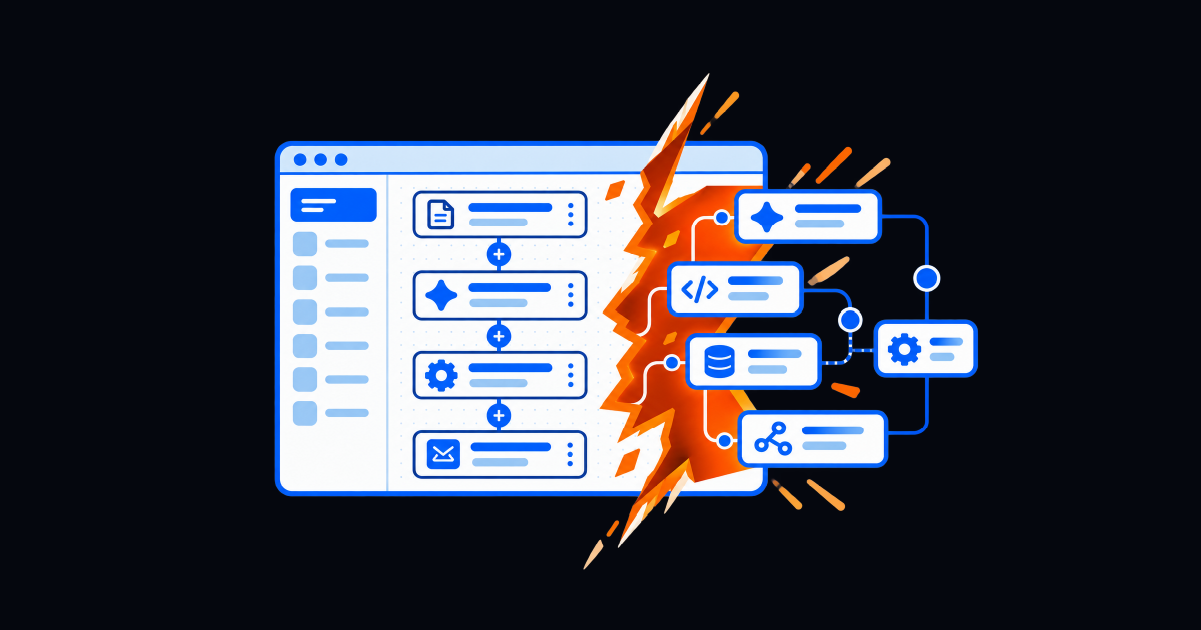
Visual canvases remain useful for reviewing logic and system connections. The problem begins when an assistant is added to a manual builder and the entire product is presented as AI-native.
Ask yourself, what changed beneath the interface? Does AI translate an outcome into executable logic, configure integrations, and account for the organization’s environment? Or does it recommend a template and leave the user to assemble and troubleshoot every component?
A product can have strong AI assistance and still retain a manual build model. Buyers should evaluate that honestly because the staffing, skills, and time required after the prompt determine whether the automation backlog actually shrinks.
Does It Understand Intent, or Just Match Templates?
Template matching begins with available components: choose a trigger, select actions, and connect them in the correct order. Intent understanding begins with the desired result.
Consider the request: “When a critical application alert follows a production change, collect diagnostics, notify the service owner, and prepare a rollback for approval.” An intent-aware tool should identify the signal, change context, ownership lookup, diagnostic steps, approval boundary, rollback action, and required updates to systems of record.
A template library may accelerate that work, but it does not interpret the whole process. In a demonstration, use a request with conditions, an exception, and a governance requirement. Check whether the tool inferred the logic or found a similarly named template.
Does It Generate the Workflow, or Suggest the Next Click?
This is the sharpest dividing line. Describe a five-step process and ask the vendor to produce it live. A generative experience should create the connected triggers, decision logic, activities, data mappings, and exception paths for review.
Autocomplete is useful, but AI-suggested clicks are not workflow generation. This is because they preserve the blank-canvas problem one node at a time.
Resolve’s guide to agentic AI governance explains why governance controls belong inside deterministic workflows. For AI-generated workflows, buyers should look for reviewable logic, permission checks, human approval gates, rollback rules, audit trails, and clear boundaries between AI recommendations and production execution.
Does It Learn From Your Environment?
An organization’s best workflow is rarely generic. Ticket history reveals recurring requests, alert trends reveal common failure patterns, and prior outcomes show which remediation worked, which escalations lacked context, and where approvals slowed execution.
An AI-native tool should use permitted operational context to improve recommendations while preserving data controls. Ask which sources inform generation, how freshness is maintained, whether permissions carry through, and how unsuccessful outcomes influence later suggestions.
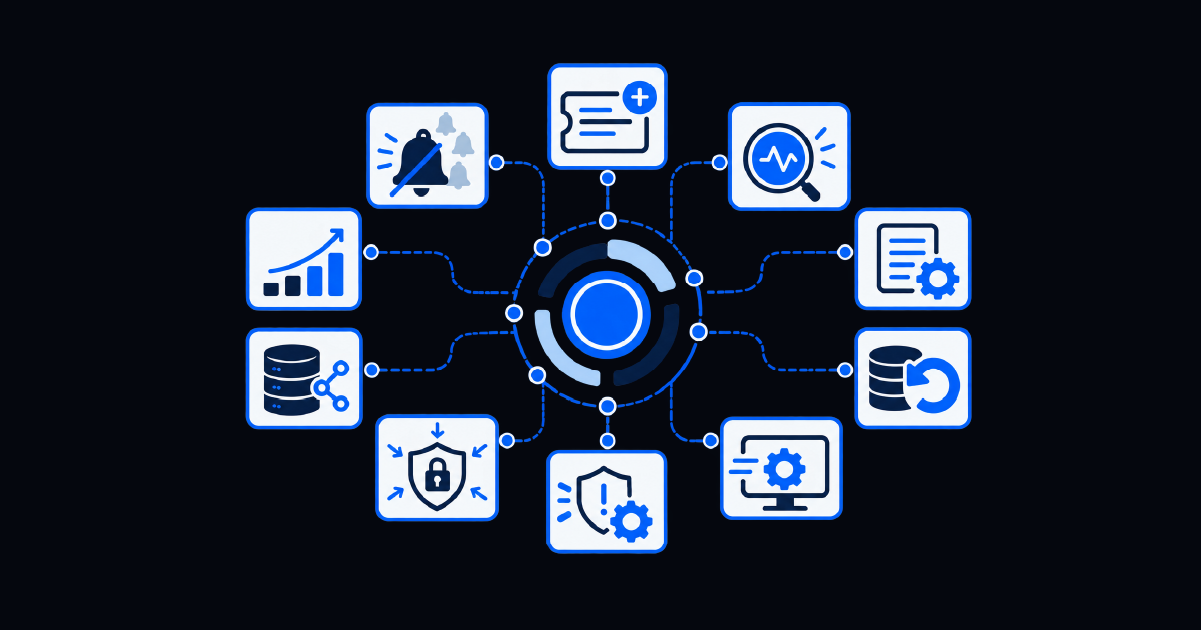
Resolve’s guide to workflow orchestration for IT operations explains why operational context must travel across ITSM, monitoring, identity, cloud, infrastructure, network, and collaboration systems. An adaptable workflow tool should preserve and normalize that environment-specific context rather than treat every alert or request as interchangeable.
Learning must also remain observable. Buyers should know which context shaped a recommendation, whether permissions were preserved, and how the organization can validate suggestions before expanding the workflow’s scope.
Can It Create Integrations Without Manual Configuration?
Resolve’s integration and API capabilities illustrate how workflow platforms can combine prebuilt connectors, generated integration activities, and an open framework for custom or legacy tools. Buyers should test whether the platform can translate an intended operation into a usable integration without requiring them to begin with custom code or configuration files.
Generated integrations still need least-privilege credentials, input validation, timeouts, retries, logging, and understandable failures. The platform should expose those controls for inspection and testing before an integration is allowed to act in production.
Does It Widen Who Can Build?
The purpose of natural-language workflow creation is not only to make automation engineers faster, but also to allow platform administrators and process owners to turn well-understood work into governed automation without first becoming experts in the builder.
However, this does not remove expert oversight. Complex integrations, production changes, and privileged actions still require technical review. The change is where expertise is spent validating architecture, security, and exceptions rather than manually placing every routine node.
Give the same process to an automation engineer, administrator, and process owner. Measure whether each reaches a readable, testable workflow and how much intervention is required.
AI-Native Workflow Tool Evaluation Matrix
| Evaluation question | AI-native evidence | Warning sign |
|---|---|---|
| How does a build begin? | A plain-language outcome becomes connected workflow logic | The user starts from a blank canvas or template menu |
| What does AI produce? | Triggers, actions, conditions, mappings, and exceptions | Suggestions for the next component or click |
| What context is used? | Approved organizational data and prior outcomes | Identical recommendations for every environment |
| How are integrations built? | Activities are generated with testable inputs and controls | Custom scripting and manual configuration remain required |
| Who can build? | Process owners can create a reviewable first version | Only experienced platform specialists can complete a workflow |
| How is execution governed? | Testing, approvals, permissions, auditability, and rollback | Opaque logic or unrestricted AI-directed action |
What Meeting the Bar Looks Like: Jarvis
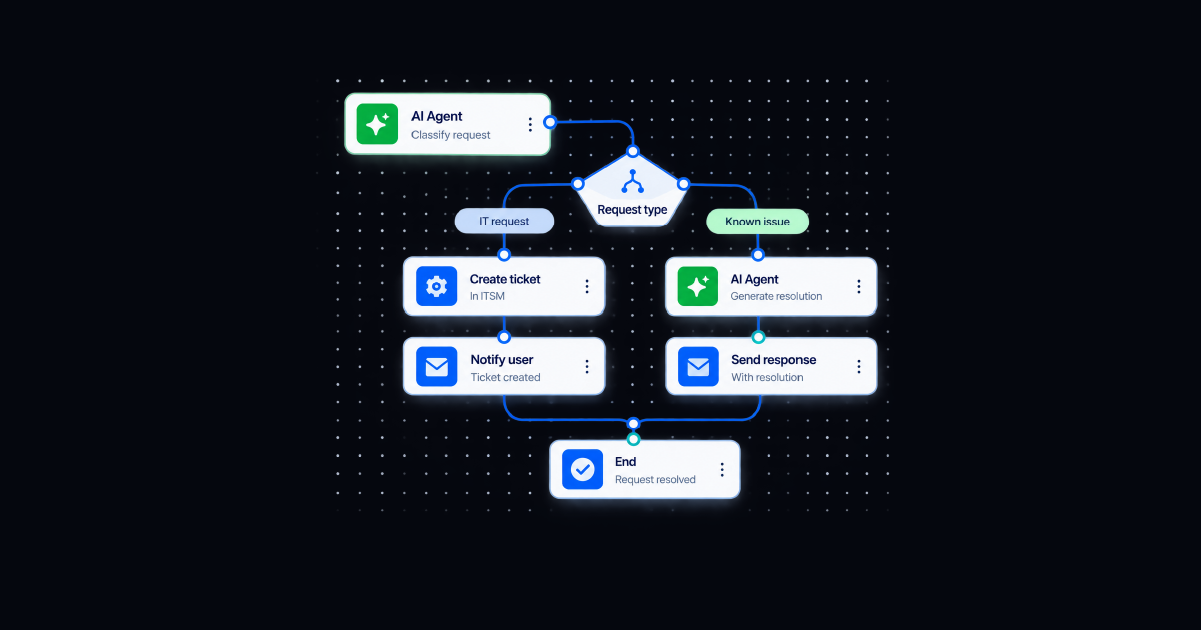
Jarvis, Resolve’s AI workflow builder, illustrates these criteria in an enterprise automation context. A user describes a process in natural language, and Jarvis interprets the business logic and generates a working workflow with platform-native components, triggers, and decision logic.
Jarvis can draw on ticket data, alert trends, and historical outcomes to improve recommendations. It also generates integration activities without manual scripting or configuration files. Teams can inspect, test, refine, and govern the workflow on the canvas.
Platform administrators and process owners can describe what should happen instead of beginning with platform mechanics. Automation specialists can focus on high-risk logic, architecture, reuse, and operational controls.
Jarvis runs within Resolve’s broader approach to automation and orchestration: AI reasoning interprets intent and context, while deterministic workflows execute approved actions across systems. That division helps teams automate more variable work without turning production execution into an open-ended AI decision.
Look Beyond the AI Label
Just calling something an AI workflow tool does not tell a buyer how a product builds, learns, integrates, or executes. With AI washing at an all-time high, a useful evaluation starts with observable behavior.
Ask the tool to interpret a realistic process, generate the workflow, use organizational context, create a connection outside the demo library, and show how the result is governed. Then give the task to a non-developer.
The tools that meet this bar change the build model since they turn intent into reviewable automation, learn within approved boundaries, and widen who can contribute. That is a more meaningful distinction than whether an AI button appears beside a drag-and-drop canvas.
Resolve's workflow building agent turns a plain-language process into a working, governed workflow.
Frequently Asked Questions
What are AI workflow tools?
AI workflow tools use artificial intelligence to help design, build, optimize, or operate multi-step processes. More advanced tools interpret natural-language intent and generate connected workflow logic rather than only recommending templates or individual actions.
How are AI workflow tools different from traditional workflow tools?
Traditional workflow tools usually require users to select, configure, and connect predefined components. AI-native tools can interpret an intended outcome, generate workflow logic, use organizational context, and help create integrations while preserving review and governance.
Can AI build an entire workflow from a prompt?
Some tools can generate triggers, actions, conditions, mappings, and exception paths from a detailed prompt. Buyers should test this live and confirm that the output is executable, inspectable, editable, and subject to approvals before production use.
What should buyers test in an AI workflow platform?
Test intent interpretation, end-to-end workflow generation, use of environment-specific context, integration creation, exception handling, security controls, auditability, and whether non-developers can produce a reviewable workflow without extensive assistance.