Workflow Orchestration for IT Operations: Why Cross-Domain Functionality Matters

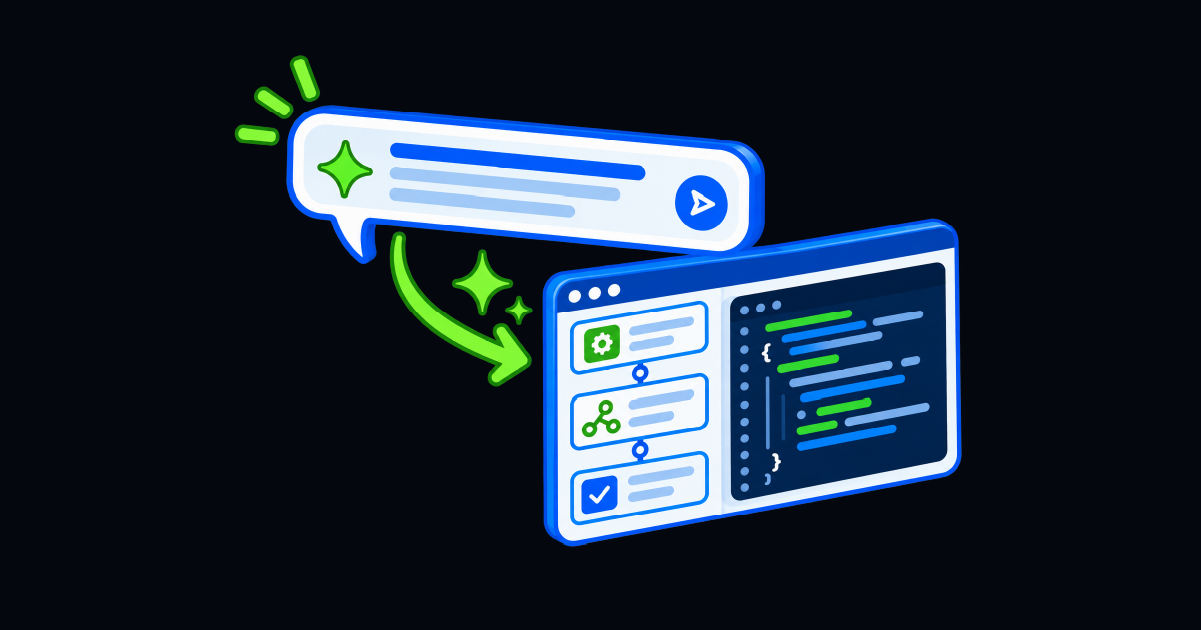
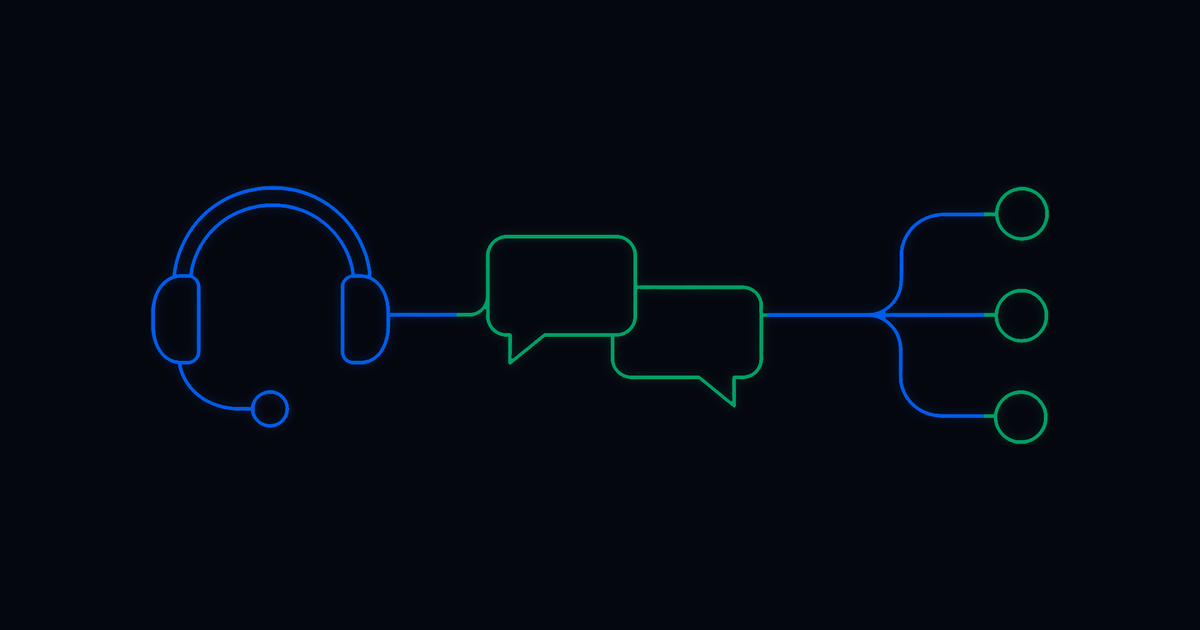
Enterprise IT work rarely stays inside one tool anymore, does it?
A service request may start in an ITSM platform, require approval in a collaboration tool, trigger an identity change, update a system of record, and notify an employee when the work is complete. Likewise, an infrastructure incident may begin with a monitoring alert, require diagnostic checks, involve cloud or network systems, and end with validation, documentation, and escalation if remediation fails.
That is the reality of modern IT operations. Work crosses domains; lots and lots of domains.
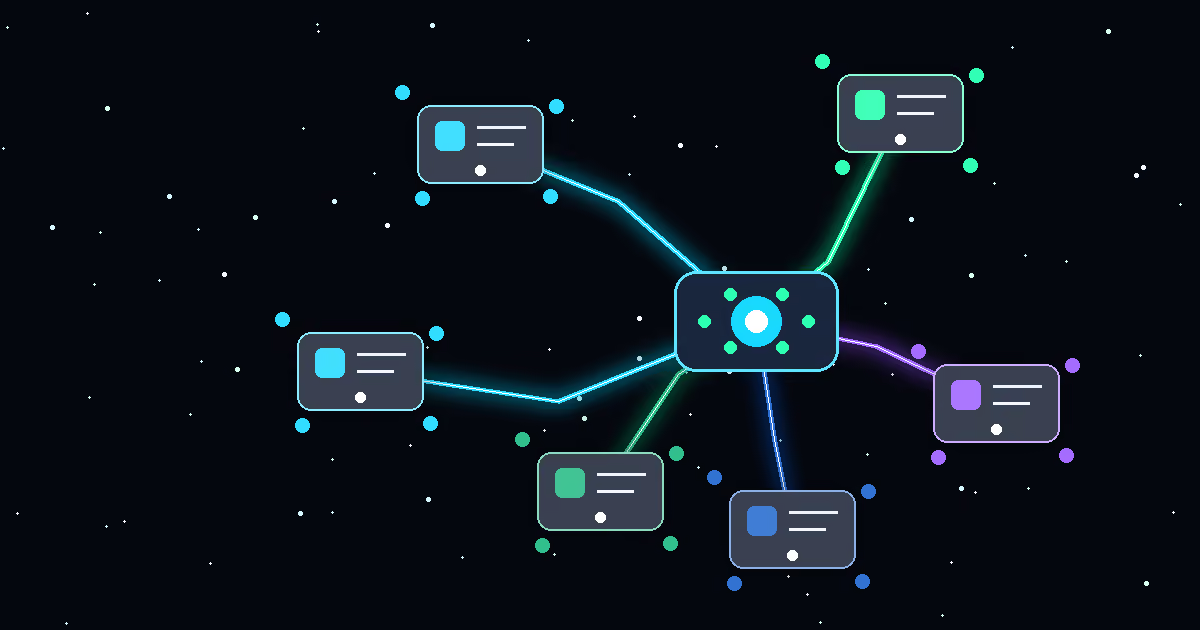
Workflow orchestration matters because it helps teams coordinate that work from trigger to outcome. It connects the systems, people, approvals, and actions required to complete a process instead of letting work stall between queues, tools, or teams.
What is Workflow Orchestration in Enterprise IT?
Workflow orchestration in enterprise IT is the coordination of tasks, approvals, data, tools, and remediation actions across ITSM, monitoring, identity, cloud, infrastructure, network, and collaboration systems so work can move from request or alert to validated resolution.
In IT, a workflow orchestration platform may connect:
- ITSM platforms
- Identity providers
- Monitoring tools
- Cloud systems
- Infrastructure platforms
- Network devices
- Endpoint management tools
- Collaboration apps
- HR and finance systems
- Existing scripts, runbooks, and APIs
A basic automation might complete one step, but workflow orchestration connects many steps into a full process.
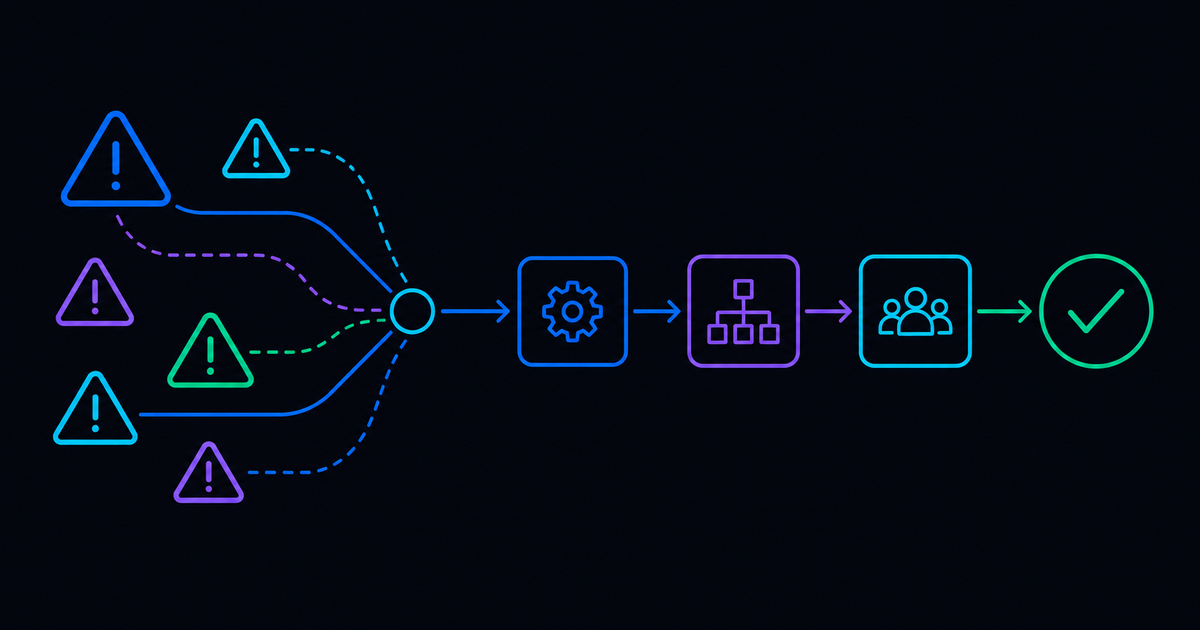
For example, an automation related to IT infrstructure may restart a service. A workflow orchestration process may detect the issue, collect diagnostics, check the maintenance window, request approval if needed, restart the service, validate health, update the incident, notify the right team, and escalate if validation fails.
That is the difference between task execution and coordinated resolution.
Why Cross-Domain Workflow Orchestration Matters for IT Teams
Cross-domain orchestration matters because enterprise IT work depends on more than one domain.
Most teams already have specialized tools, of course. They have an ITSM system for tickets, monitoring tools for alerts, identity systems for access, collaboration tools for approvals, cloud platforms for infrastructure, and scripts for remediation.
More often than not, the real problem here is a lack of coordination, not a lack of automation.
When workflows are trapped inside one domain, humans become the integration layer. They copy information between tools, check systems, ask for approvals, notify stakeholders, and decide when to escalate.
That creates delay, not to mention inconsistency.
A process may work differently depending on which person handles it, which means that resolution may depend on institutional knowledge rather than a repeatable workflow. Workflow orchestration helps reduce that fragility by coordinating work across domains in a consistent, governed way.
Where Single-Domain IT Automation Falls Short
Single-domain automation can be useful, but it often breaks down when the work crosses system boundaries.
An ITSM ticketing workflow can route a request, but it may not be able to complete the work. A monitoring tool can detect an alert, but it may not coordinate remediation across ITSM, infrastructure, cloud, and collaboration systems. An identity tool can provision access, but it may not manage the full request lifecycle across approval, documentation, notification, and audit.
This is where many automation programs hit a speedbump or five.
They make one part of the process faster, but the overall workflow still depends on manual handoffs. This is especially common when platforms treat orchestration as an extension of case management. Visibility improves, but execution still happens elsewhere. The ticket moves forward, but the work remains unresolved.
This is insufficient for IT teams who want to make a difference. Workflow orchestration should help teams complete the process!
What Enterprise IT Workflow Orchestration Should Do
A strong workflow orchestration approach should coordinate work across systems while preserving control, context, and accountability.
At minimum, it should support these capabilities:
Trigger Work from Requests, Alerts, and Events
Workflow orchestration should start from the places work actually begins. That may be an employee request, a monitoring alert, an incident, a scheduled task, a chat message, or an external event.
Coordinate Work Across ITSM, Cloud, Network, and Identity Systems
The workflow should reach across ITSM, identity, infrastructure, cloud, network, security, and collaboration tools. Enterprise processes rarely belong to one system.
Execute Approved IT Actions and Remediation Steps
Orchestration should not stop at recommendation or routing. It should be able to trigger approved workflows, scripts, API calls, and remediation steps.
Enforce Approvals, Policies, and Operational Guardrails
Some actions require human approval, policy checks, maintenance windows, or risk-based controls. Workflow orchestration should make those steps part of the process, instead of conversations on the sideline.
Maintain Context Across IT Systems
The workflow should preserve the important details from request to resolution, including user, system, issue type, approvals, diagnostics, actions taken, and outcomes.
Validate Outcomes Before Closing the Workflow
A workflow is not complete just because an action ran. Strong orchestration should check whether the action worked and decide what happens next.
Update ITSM Records and Notify Stakeholders
ITSM records, status updates, user notifications, and audit trails should be updated automatically where possible.
Escalate Exceptions to the Right Team
Not everything should be automated end to end. When required information is missing, validation fails, or risk is too high, the workflow should escalate to the right person or team. These capabilities help teams move from fragmented automation to coordinated, effective execution.
Cross-Domain Enterprise IT Workflow Examples
The value of workflow orchestration becomes clearer when you look at common IT workflows.
Access Request Orchestration
An employee requests access to an application. The workflow identifies the user, checks policy, routes manager approval, updates the identity provider, notifies the employee, documents the change, and escalates exceptions.
Domains involved: ITSM, identity, HR, collaboration, application management.
Incident Diagnostic Orchestration
An incident is created from an alert. The workflow collects logs, checks service health, reviews recent changes, gathers infrastructure data, updates the ticket, and routes the incident based on findings.
Domains involved: monitoring, ITSM, infrastructure, cloud, network.
Network Alert Triage Orchestration
A network alert fires. The workflow orchestration platform enriches the alert with device details, checks known failure patterns, runs approved diagnostics, notifies the network team, and escalates if thresholds or validation rules are not met.
Domains involved: monitoring, network tools, ITSM, collaboration.
Infrastructure Remediation Orchestration
A server crosses a disk utilization threshold. The workflow validates the condition, checks approved cleanup actions, runs remediation, verifies utilization, updates the incident, and escalates if cleanup fails, culminating in effective infrastructure remediation.
Domains involved: infrastructure, monitoring, ITSM, cloud or data center systems.
Employee Onboarding Orchestration
A new employee joins the company. The workflow coordinates tasks across HR, identity, ITSM, collaboration tools, device management, and application access.
Domains involved: HR, identity, ITSM, endpoint, collaboration, business applications.
Security Containment Orchestration
A security alert requires response. The workflow enriches the alert, checks asset context, triggers approved incident response steps, requests approval where needed, documents actions, and escalates to security analysts.
Domains involved: SIEM, endpoint, identity, ITSM, security operations.
Each example shows the same pattern: the work depends on multiple systems, and orchestration is what keeps the process moving.
How Resolve Supports Cross-Domain IT Workflow Orchestration
Resolve supports workflow orchestration across service desk, infrastructure, network, cloud, and enterprise service workflows, helping teams combine automation, integrations, governance, and agentic execution across domains.
That matters because modern IT work does not stop at ticket routing. Teams need to coordinate actions, approvals, diagnostics, remediation, validation, documentation, and escalation across the operational environment. They need to be able to efficiently onboard and offboard, as well as provide a meaningfully improved work experience.
The stronger approach is not to force every workflow into one tool. It is to orchestrate the work across the tools teams already use.
Workflow Orchestration Evaluation Matrix for Enterprise IT
Use this matrix to evaluate where workflow orchestration can create the most value.
How to Choose the Right Workflow Orchestration Approach
Workflow orchestration is crucial because IT work crosses domains! A single ticket, alert, or request may involve many systems, teams, approvals, and actions. If those steps are not coordinated, humans become the connective tissue. That slows resolution and increases the chance of error.
The future of IT automation is coordinated execution across domains. For ITSM and service automation leaders, therefore, the priority should be clear: choose workflow orchestration that can connect the full path from request or alert to validated resolution.
See how Resolve orchestrates IT workflows from request or alert to validated resolution. Request a demo →
Frequently Asked Questions
What is workflow orchestration in enterprise IT?
The coordination of tasks, decisions, approvals, data, and actions across systems and teams so a process can move from trigger to outcome.
How does IT orchestration software automate workflows?
IT orchestration software connects triggers, decisions, approvals, and actions across systems. It executes each step in sequence, validates the outcome, updates records, and escalates exceptions when necessary.
Can automation software integrate existing IT tools?
Yes. Platform-agnostic automation software can connect existing ITSM, monitoring, cloud, network, identity, security, and collaboration tools through native integrations, APIs, scripts, and reusable workflows.
Which automation platforms integrate the most tools?
Platform-agnostic automation and orchestration platforms generally provide the broadest coverage. Resolve connects with more than 500 ITSM, cloud, AIOps, security, network, identity, and enterprise technologies.
How should IT teams measure workflow orchestration success?
Useful metrics include time to fulfill, mean time to diagnose, mean time to resolve, mean time to acknowledge, workflow completion rate, escalation rate, automation coverage, and time returned to IT teams.
.png)
.png)