
The Enterprise Buyer’s Guide to Service Desk Automation Platforms

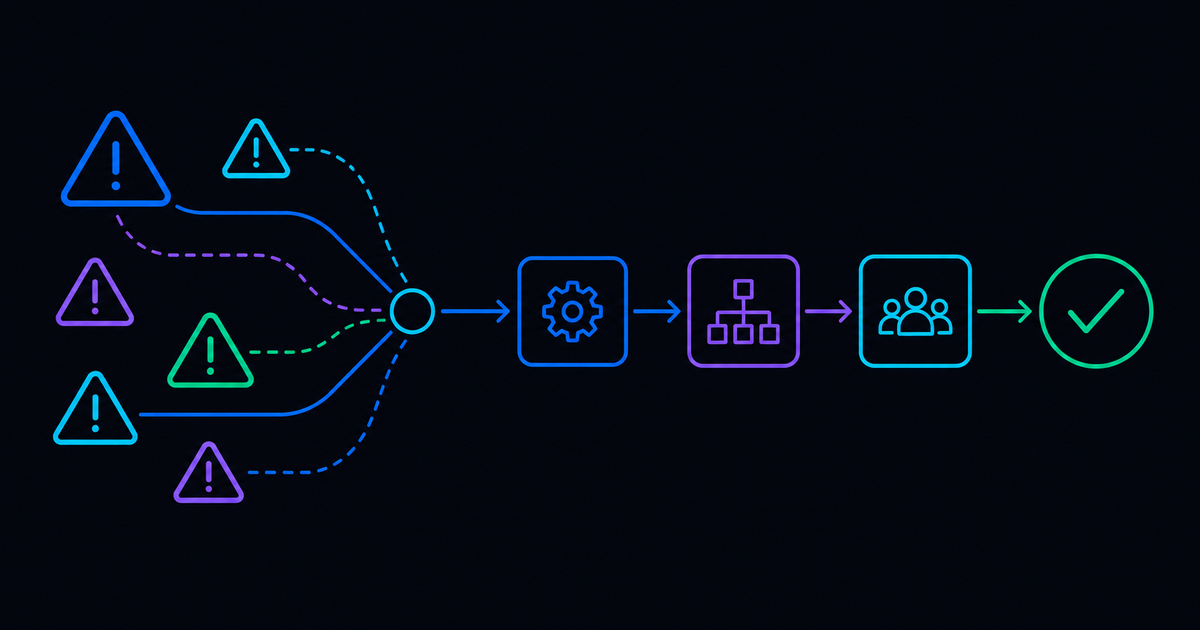
Here’s a story that plays out constantly in enterprise IT, and few people talk about afterward. A team runs an evaluation with multiple vendors using a structured scoring process. Then, they make their choice, but six months into deployment, the platform that excelled in every demo is now struggling with the actual environment. The IT leader who signed off is in a room with their CIO, trying to explain why the numbers fail to match the projections.
So, where did it go wrong? The evaluation wasn’t sloppy, but it was optimized for the wrong things. This guide looks at what to prioritize instead if you’re evaluating enterprise service desk automation in the real world, starting before vendors are involved and running through the first 90 days of a deployment that should already be showing results.
Start the Buying Process Before You Think You Should
By the time most organizations officially kick off a platform evaluation with the RFIs, the shortlisting, and the demo schedule, the outcome is already tilted one way or the other. Someone attended a conference and came back with a strong opinion on the best option. Meanwhile, the analyst report that shaped the shortlist also helped shape the criteria. Even if the process looks rigorous, it’s often far from neutral.
What changes when you start earlier is sequencing. The internal conversation that happens before the vendor conversation, and that order matters more than most buying teams realize.
Write down the specific operational problem you’re solving before you visit a single vendor website.
Not a category problem or a generic, “improve service desk efficiency.” Write down the actual thing that is costing your organization right now, in terms you can measure.
Maybe it’s → your virtual agent is deflecting 18 percent of tickets, and the business expects 60.
Maybe it’s → the same infrastructure failures keep recurring because your current platform can’t catch anomalies before they become incidents.
The specificity of your statement determines whether the evaluation will test for fit or just competence.
Then, get the right stakeholders in before the shortlist exists, not after it does.
Network operations have requirements that a service desk evaluation team won’t think to ask about unless a member of that group is on the evaluation team. The same can be said for security.
Every requirement that surfaces for the first time after a contract is signed becomes a scope change, a delay, or a workaround someone builds but never documents. Getting those people into a room early is how you avoid a six-month implementation stretching into eighteen.
The POC Is the Evaluation, So Treat It That Way
Most proofs of concept are structured around what the vendor proposes testing. That’s a reasonable starting point and a terrible ending point. Vendors suggest workflows that showcase their platform in its strongest conditions. The buyer’s job is to push the POC toward the workflows and failure points that actually matter in their environment.
You don’t need to see the platform in its ideal situation and set-up, you need to see it in:
- Use cases that broke your last platform
- Workflows your team dreads handling manually
- Processes that require coordination across systems, your current tool can’t bridge
- Scenarios where something unexpected happens mid-execution and the recovery isn’t scripted
The use cases that separate platforms that scale from platforms that hit a wall are almost always the ones that cross domains:
- A password reset that touches identity, ticketing, and endpoint in a single execution path.
- An incident response that coordinates across monitoring, network, and ITSM without dropping context.
- A user onboarding that spans HR, identity, provisioning, and ticketing with state tracked end to end.
Workflows confined to a single system rarely surface architectural limits. Workflows that have to orchestrate across four or five do, every time. If a platform handles those cleanly in your POC with no custom scripting and no vendor professional services to stitch the pieces together, it will hold up in production. If it can't, the pattern repeats on every workflow you build after it.
Build at least two cross-domain use cases into your POC and weight them heavily. They predict scalability faster than any other test in the evaluation. These are tests that predict production, more so than great stats about ticket routing.
Make sure that you build at least one failure into the POC deliberately:
- Cut a workflow mid-execution
- Take down a connected system
- Feed the platform an input it wasn’t designed to handle
- Introduce a dependency failure mid-run and see what surfaces, and what doesn’t
And then watch. Does it fail cleanly and notify the right people? Does it require an engineer to restart from the beginning? Or does it produce a silent failure that nobody catches until a ticket goes unresolved for three hours?
The overwhelming majority of buyers will never run this test, even though it’s one of the best ways to judge how well enterprise service desk automation will actually work in their environment.
Time how long the POC build takes, and write down who owned each piece of it:
- Which workflows require vendor professional services to configure
- Which ones your engineers built independently
- Where your team hit a wall and had to wait for vendor involvement
- How long did it take to recover when something didn’t work as expected
Professional services involvement in the setup that your engineers should have handled independently will not disappear after go-live. It becomes a dependency, and that dependency shows up on every subsequent project budget, not on the license invoice.
Before you call the POC complete, test at volume:
- Run your highest-frequency automation at 10x your current ticket load and measure whether response times hold or compound
- Trigger concurrent cross-domain workflows that span ITSM, identity, endpoint, and network simultaneously and watch for queue failures, dropped handoffs, or context loss between systems.
- Simulate your busiest incident period, the Monday morning flood, the post-maintenance window surge, etc.
- Push an edge-case input through every integrated system in the workflow and document exactly where the platform asks a human to check in.
- Check whether failures under load are visible in real time or only discoverable after the fact.
A POC that only shows you the platform working is not a POC; it’s a longer demo. The difference between a platform that performs in an evaluation and one that holds up in production almost always comes down to how hard the buyer was willing to push before they signed.
What Does a Platform Actually Cost?
The license fee is the number that goes into the budget request, but with enterprise service desk automation, it’s often the smallest part of what the platform actually costs to run.
Implementation is where the first shock hits.
Some platforms require months of professional services engagement before a single automation reaches production. The question to ask is what your team owns versus what the vendor owns at each stage, and what happens when the vendor’s engagement ends. Get that answer in writing before you sign. The gap between what a vendor describes in a sales conversation and what appears in the statement of work is one of the most reliable sources of budget overruns in enterprise software.
Engineering maintenance is a cost almost no TCO analysis captures.
How much of your team’s ongoing capacity will this platform require when a connected system updates its API? When a new application needs to be integrated or when your environment changes in ways no one predicted six months ago? Platforms that require manual intervention every time something changes are absorbing engineering hours that could be used for other jobs. A platform that costs 20 percent more in licensing, but requires half the ongoing engineering maintenance, is usually cheaper to run. That math rarely gets done before the decision.
Support tier matters more than procurement teams tend to weigh it.
When a P1 incident is happening at 2 a.m., and your automation platform is involved, the difference between a four-hour response SLA and a same-hour response is not a line item. Buy the support tier you’ll need in your worst moment.
The cost of a platform that hits a ceiling before your program does.
Migrating off after two years because the platform couldn’t scale to where you needed is an expensive project, stacked on top of everything, the original implementation cost. Push hard on where the platform’s limits actually are, rather than where the vendor says that they are.
What is the Sales Process Telling You?
Vendors are under pressure to close, and that pressure shapes their behavior. The vendor’s behavior during your evaluation period will tell you things that the demo never will.
For example, a vendor who consistently steers your POC toward their preferred use cases and away from yours is showing you something about the platform’s real range. Push back. Ask them to run the workflows you brought and not the ones that they have prepared. Watch whether they can.
Ask a specific technical question about a system in your environment that you know is complicated. Something without a clean APL or running on infrastructure that predates the cloud era. A general response about integration capabilities is a non-answer. Push it further: what does the integration look like at the technical level, who builds it, how long does it take, and what happens when the connected system updates six months from now? The response under that kind of pressure will carry more weight than anything in the demo.
Reference calls also deserve more time than most buyers give them. The references a vendor provides are chosen, so ask specifically for customers running environments with complexity comparable to yours. Then, ask questions about that reference that your vendor will likely be unprepared to answer. Can they share what broke in the first six months, or what vendor support looked like at 2 am when something went wrong?
The Contract Conversation
Implementation timelines belong in the contract, with real accountability attached, not in the proposal, where everything still sounds optimistic. A vendor confident in their delivery timeline should have no objection to contract language that holds them to it.
SLA terms need to specify exactly what qualifies as a P1 incident, what the response window is in hours, what the escalation path looks like, and what remedies exist when those commitments aren't met.
Ask what's committed on the product roadmap versus what's directional. If a feature is part of your buying rationale, get clear on whether or not it's scheduled for a specific release or subject to change. "On our roadmap" is not a commitment. Pin down the difference before you sign.
Data portability deserves a specific conversation. What does your data look like when you export it, in what format, and what does a migration actually require? Any vendor worth working with will have a clean answer. Hesitation on this question is worth noting.
What the First 90 Days Should Look Like
Day 30
A platform earning its place starts showing results inside the first month. Specific automations live on real use cases, with numbers attached. A first month consumed entirely by environment setup and scope refinement tends to look a lot like month two.
Day 60
This is when vendor engagement either holds or starts to thin. Watch whether the customer success team is surfacing issues before you find them or responding after you file a ticket. The accounts that struggle at month six usually show the first signs of problems here, as the honeymoon period ends, and the harder integration work begins.
Day 90
By month three, you have real production data. Use it. If deflection numbers are behind, find out why before the team accepts them as the new normal. If engineering hours aren't moving, trace exactly where manual intervention is still happening and bring that list to the vendor. A 90-day review that gets softened because nobody wants an awkward conversation is how underperforming deployments become permanent ones.
Making the Case Internally
The recommendation still has to survive procurement, a budget review, and executive stakeholders who weren't in any of the vendor conversations. Most technical teams treat that internal process as administrative. It tends to be where good decisions die.
Build the financial case around the cost of what you have now.
- What does unplanned downtime cost per incident?
- What is the fully loaded cost of engineering time absorbed by manual incident response?
- What does your team spend annually on maintaining the workarounds built around your current platform's limitations?
A projected return measured against documented current costs is a different conversation than a projected return measured against a vague sense that things should be better.
Bring a plan with owners, milestones, and measurable success criteria tied to specific dates. A budget committee can approve a plan. A presentation about efficiency and transformation gives them nothing to hold onto.
How Resolve Holds Up
Run the POC on your terms. Bring the workflows that have broken other platforms. The cross-domain use cases that span four or five systems. The legacy environments without clean APIs. The edge cases that ended up on someone's desk manually because no other tool could orchestrate the handoffs.
You’ll get to see that in real time.
On implementation timelines, SLA specifics, and reference calls from customers running complex enterprise environments: ask for specifics and hold us to them. The Automation Exchange gives your team 5,000 pre-built automations to start from. RITA resolves tickets. Not classifies. Not routes. Resolves.
A single customer has saved over $80 million running on Resolve. Across our customer base, 97 million automations run annually, and MTTR has improved by 99 percent for those teams running at full scale. All while our customers have reduced their ITSM TCO by 70% through fewer tickets, fewer add-ons, and fewer heads having to manage the department's functions.
If you’re evaluating enterprise service desk automation through a rigorous buying process, put Resolve through it.
.png)
.png)