Enterprise Workload Automation: 4 Critical Requirements


At a Glance
- Effective enterprise workload automation is judged on governance, resilience, and integration depth, not ‘just’ scheduling capabilities.
- Cross-environment orchestration should coordinate work across on-premises, cloud, and edge environments as one process.
- Audit trails, access controls, and approvals become critical when automation touches production systems across multiple teams.
- Resilience needs to account for what happens when infrastructure or dependencies fail in the middle of an automated workflow.
- Enterprise automation should integrate with existing ITSM and monitoring tools rather than creating another operational silo.
Enterprise Workload Automation: What It Takes to Scale Across Hybrid IT
Automating a few scheduled jobs is one thing... but enterprise workload automation, which means coordinating production-critical work across multiple teams, systems, clouds, and data centers is something else entirely. This is the challenge facing enterprises as automation expands beyond individual use cases.
At a smaller scale, teams may judge an automation platform primarily on whether it can execute the task at hand. At enterprise scale, though, simply making automation work is no longer sufficient. IT leaders also need to know who can trigger it, what happens when something fails, whether every action is traceable, and how workflows interact with the rest of the technology stack.
That shifts the evaluation criteria considerably. Governance and auditability, cross-environment orchestration, resilience and failover, and integration with existing tooling aren't features to worry about later; they're actually what separate basic workload automation from a platform capable of supporting complex enterprise IT.
What Is Workload Automation?
At its most succinct, workload automation is the coordination and orchestration of IT tasks and processes across systems and environments.
While the category grew from traditional job scheduling, modern workload automation extends well beyond executing predefined jobs at specific times. At its best, it coordinates dependencies, triggers actions based on events or conditions, connects processes across systems, and automates multi-step operational workflows.
For a deeper introduction to how the technology works and where organizations use it, see our complete guide to workload automation.
At enterprise scale, however, the bigger question isn't simply what can be automated?
It's whether that automation can operate reliably across the complexity of the enterprise.
What "Enterprise Scale" Actually Demands
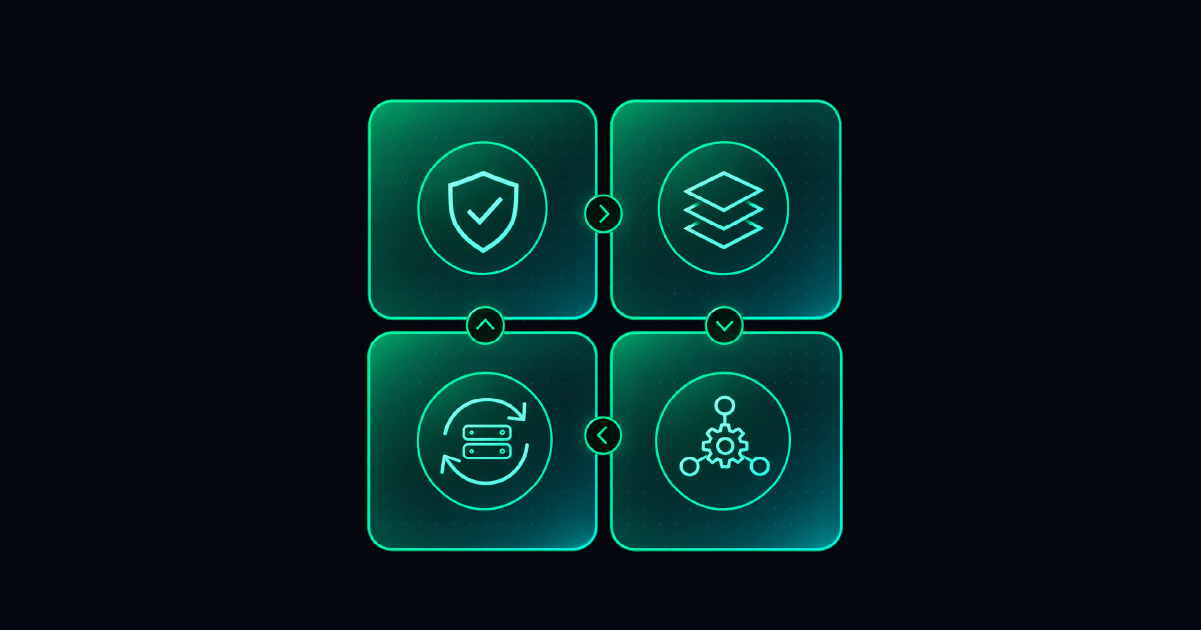
Four requirements become especially important as enterprise workload automation expands:
- Governance and auditability: Can teams control who can build, change, approve, and execute automation, then trace what happened afterward?
- Cross-environment orchestration: Can workflows coordinate activity across on-premises, cloud, and edge environments?
- Resilience and failover: What happens when infrastructure, systems, or dependencies become unavailable during execution?
- Integration with existing tooling: Can automation work with the ITSM, monitoring, and operational systems teams already rely on?
These are critical, fundamental requirements for safely automating production-critical work at scale.
Governance and Auditability at Scale
The larger the automation footprint becomes, the more important control becomes.
A workflow affecting one team's internal process may have relatively straightforward governance requirements. A workflow spanning infrastructure, applications, networks, cloud services, and service management, by contrast, can involve different owners, permissions, and compliance requirements.
Teams running enterprise workload automation need to answer basic questions for every automated action: Who triggered it? Who approved it? What systems did it access? What actions did it perform? What was the outcome?
That requires traceable audit trails alongside access controls that can restrict what different users and teams are allowed to do.
Approval processes matter, too. High-impact actions shouldn't necessarily execute under the same controls as low-risk routine tasks.
Once automation touches production-critical systems, governance stops being an administrative convenience. It becomes part of operating automation safely (and, for many organizations, demonstrating compliance).
Cross-Environment Orchestration: On-Premises, Cloud, and Edge
Most large enterprises aren't choosing between on-premises infrastructure and cloud environments. They're operating both, often alongside edge systems, SaaS platforms, legacy technology, and multiple cloud providers.
The potential issue here is that workflows rarely respect those boundaries.
A single process might begin with a monitoring event in one environment, require diagnostics from another system, execute remediation elsewhere, and update an ITSM record when it's finished. That's where orchestration becomes different from simply running automation in multiple places.
True cross-environment orchestration coordinates those actions as one coherent process, including the dependencies and data flowing between them.
Without that capability, enterprises risk reproducing the same operational silos they're trying to automate away: cloud automation over here, on-premises automation over there, and humans manually bridging the gaps. In other words... a fine mess.
Resilience and Failover Requirements
Automation tends to look great when everything underneath it is working, but enterprise buyers also need to ask what happens when it isn't.
For example, what happens if a node fails halfway through execution? What if an API becomes unavailable? What if one step succeeds but the next dependency doesn't respond?
A production workflow that silently fails (or worse, leaves a process partially completed) can create more operational risk than the manual process it replaced. That's why resilience needs to be designed into enterprise workload automation itself.
Teams should evaluate how platforms detect failures, surface errors, retry actions, handle dependencies, and recover or roll back when execution doesn't go according to plan.
Uptime still matters. But workflow behavior during failure can matter just as much.
Integration with Existing ITSM and Monitoring Tooling
Enterprise automation doesn't operate on an empty technology stack. Organizations already have monitoring tools generating signals, ITSM platforms maintaining records, and specialized systems supporting infrastructure, applications, networks, and cloud environments.
Workload automation needs to connect those systems instead of demanding their replacement.
For instance, a monitoring event might initiate an automated diagnostic workflow. The workflow could gather context from several systems, execute remediation, validate the result, and then update the existing ITSM record.
The ITSM platform remains the system of record, but automation becomes the execution layer connecting signals to action!
This is where platforms that work well in isolation can struggle at enterprise scale. If automation introduces another disconnected console or requires teams to abandon systems they already trust, it becomes another silo rather than eliminating one.
A Buyer's Evaluation Framework for Enterprise Workload Automation
Feature lists only tell part of the story. Enterprise evaluation teams should test how a platform behaves under the conditions they'll actually encounter.
| Evaluation Area | What to Ask | Strong Answer | Warning Sign |
|---|---|---|---|
| Governance & auditability | Can we control and trace automation across teams and systems? | Granular access controls, approvals, and complete execution histories | Limited visibility into who changed or executed workflows |
| Cross-environment orchestration | Can one workflow span on-premises, cloud, edge, and third-party systems? | End-to-end coordination across environments and technologies | Separate automation processes that require manual handoffs |
| Resilience & failover | What happens when something fails during execution? | Clear failure handling, retries, validation, and recovery behavior | Focus on uptime without explaining workflow-level failures |
| Existing-tool integration | Can the platform work with our current ITSM and monitoring stack? | Broad integration capabilities that preserve existing systems of record | Replacement requirements or isolated automation consoles |
The overarching goal here is to understand how it behaves when automation reaches real enterprise complexity, not just to find a platform that performs perfectly in a controlled demo.
How Resolve Delivers at Enterprise Scale
Resolve is designed to orchestrate operational work across the systems and environments enterprises already have in place.
Rather than replacing ITSM, monitoring, or domain-specific tooling, Resolve connects them into automated workflows that can move from detection through diagnosis, remediation, validation, and documentation.
Governance and security controls help organizations manage who can access and execute automation, while auditability provides visibility into actions performed throughout a workflow.
Resolve also supports cross-domain orchestration across infrastructure, applications, networks, cloud environments, and service management processes. That allows teams to apply enterprise workload automation to end-to-end operational processes instead of creating isolated pockets of automation for each technology domain.
The result is an execution and orchestration layer that works alongside the enterprise stack rather than attempting to become another system of record.
Enterprise Automation Has to Survive Enterprise Complexity
Scheduling capability may be enough to get workload automation started. It isn't enough to scale it.
As automation expands across production systems and teams, the evaluation changes. Governance determines whether automation can be controlled while cross-environment orchestration determines whether it can bridge hybrid infrastructure. Resilience determines what happens when the unexpected occurs. Integration depth determines whether teams can adopt automation without rebuilding the technology stack around it.
These are the criteria that determine whether it can succeed at enterprise scale in the first place!
Resolve's governance, security, and cross-domain orchestration capabilities support enterprise-scale automation.
Frequently Asked Questions
What is enterprise workload automation?
Enterprise workload automation coordinates and orchestrates IT tasks and processes across complex environments, including on-premises infrastructure, cloud platforms, edge systems, and enterprise applications. At enterprise scale, it also requires governance, resilience, auditability, and integration with existing operational tools.
How is workload automation different from job scheduling?
Job scheduling typically executes predefined tasks based on schedules or dependencies. Modern workload automation goes further by coordinating multi-step processes across systems, responding to events and conditions, managing dependencies, and orchestrating work across different environments.
What should enterprises look for in a workload automation platform?
Enterprises should evaluate four core areas: governance and auditability, cross-environment orchestration, resilience and failover, and integration with existing ITSM and monitoring tools. These capabilities determine whether automation can operate safely and reliably as its scope expands.
Can workload automation work with existing ITSM and monitoring tools?
Yes. Enterprise workload automation should integrate with existing ITSM and monitoring platforms rather than require their replacement. This allows monitoring systems to provide signals, automation to execute the necessary actions, and ITSM to remain the system of record.