
What Is a Runbook? Definition, Types, and Examples

At a Glance
- A runbook is a step-by-step procedure for resolving a known issue or completing a recurring operational task.
- Runbooks can be manual, semi-automated, or fully automated, depending on how much human involvement is required.
- Runbooks, playbooks, and SOPs aren't interchangeable. Runbooks are typically the most granular and technically executable.
- Common runbook examples include service restarts, disk cleanup, certificate renewal, failover, and user provisioning.
- Runbook automation turns written procedures into executable workflows, allowing routine tasks to run consistently without requiring someone to manually follow every step.
IT teams rarely solve every incident from scratch.
When a familiar service fails, a disk approaches capacity, or a certificate nears expiration, there's usually a known sequence of steps that needs to happen.
That sequence is a runbook.
A runbook is a documented, step-by-step procedure that an IT team follows to handle a specific recurring task or known incident. It captures what needs to happen, in what order, and under what conditions so the response doesn't depend entirely on whoever happens to be working that day.
But runbooks aren't limited to documents sitting in a wiki. They exist on a spectrum from completely manual instructions to fully automated workflows that execute without human intervention.
Understanding that spectrum (and how runbooks differ from playbooks and SOPs) is the first step toward deciding which procedures are worth automating.
Runbook Definition: What Is a Runbook?
A runbook is a documented procedure that specifies exactly how to resolve a known issue or complete a defined operational task.
Runbooks are generally designed for situations that are repeatable and well understood.
If a particular service occasionally stops responding and the correct resolution is known, a runbook can document the checks, commands, restart sequence, validation, and escalation conditions involved.
The same applies to recurring operational work such as certificate renewal, account provisioning, disk cleanup, or failover.
The objective is consistency.
Without a runbook, two engineers may handle the same issue differently. One may remember an important validation step; another may not. Someone working under pressure at 2 a.m. may also approach the task differently than someone performing it during a planned maintenance window.
A good runbook reduces that variability by establishing a repeatable path.
That also makes runbooks natural candidates for automation. If the steps can be clearly defined and executed consistently, many can eventually be turned from instructions a human reads into logic a system executes.
The Three Types of Runbooks
Runbook types can be understood by looking at how much of the procedure depends on a person.
Manual Runbooks
A manual runbook is a written set of instructions that a human follows step by step.
It might live in a wiki, knowledge base, ITSM platform, shared document, or other repository. When the relevant incident occurs, an engineer finds the runbook and executes each step manually.
Manual runbooks create consistency, but execution still depends on someone being available, locating the correct procedure, interpreting it correctly, and completing every step.
Semi-Automated Runbooks
Semi-automated runbooks combine automation with human control.
Some steps might be scripted or executed automatically, while a person triggers the workflow, supplies information, reviews the output, or approves a higher-risk action.
For example, automation might gather diagnostics and recommend a service restart, but require an engineer to approve the restart before proceeding.
This model can be particularly useful when teams want to reduce repetitive work without completely removing human oversight.
Fully Automated Runbooks
What is a runbook in an automated environment? A fully automated runbook can execute the entire sequence without manual intervention.
A monitoring or AIOps alert might trigger the workflow automatically. The runbook gathers diagnostics, verifies that predefined conditions are met, performs the remediation, validates the result, and records what happened.
If the automated path cannot safely resolve the issue, it can escalate to a person instead.
Most organizations don't choose just one of these models. They have runbooks at all three levels.
The more useful question is: Which manual runbooks are predictable enough to move further up the automation spectrum?
Runbook vs. Playbook vs. SOP: What's the Difference?
Runbooks, playbooks, and standard operating procedures all document how work should happen, but their scope and purpose differ. In general, a runbook is the most granular and technically executable of the three. See this comparison for context.
Runbook vs. Playbook
A runbook tells someone, or an automation platform, how to perform a specific task.
A playbook is broader. It describes how to respond to a scenario that may have several possible paths, decisions, teams, or procedures involved.
For example, a major-incident playbook might define how teams assess severity, communicate with stakeholders, investigate possible causes, and determine which remediation path to pursue.
Individual runbooks could then execute specific actions within that playbook.
Put simply: the playbook helps determine the path; the runbook executes a defined procedure along that path.
Runbook vs. SOP
An SOP, or standard operating procedure, is broader still.
SOPs define how an organization expects a process to be performed consistently. They can apply to IT, but they can just as easily cover HR, finance, compliance, facilities, or other business functions.
An employee onboarding SOP, for example, might establish required approvals and responsibilities across several departments. A technical runbook could cover the specific steps IT uses to provision the employee's accounts.
Common Runbook Examples
Runbooks can cover hundreds of recurring operational activities. Some common examples include:
Service or application restarts: When a health check fails under known conditions, a runbook can specify diagnostics, restart steps, dependencies to check, and post-restart validation.
Disk space cleanup: When utilization crosses a threshold, the runbook can identify safe files to remove, perform cleanup, verify available capacity, and escalate if usage remains high.
SSL/TLS certificate renewal: A runbook can document expiration checks, renewal procedures, deployment steps, and validation to help prevent certificate-related outages.
Failover and failback: High-availability environments can use runbooks to define the exact sequence for shifting workloads to a secondary system and safely returning them afterward.
User provisioning and deprovisioning: Runbooks can standardize account creation, access assignment, group membership, and removal across multiple systems.
The common thread is predictability. The task happens repeatedly, the correct steps are known, and consistent execution matters.
From Written Runbook to Automated Runbook
Written runbooks solve a documentation problem because they record what is. A runbook on paper doesn’t necessarily solve an execution problem.
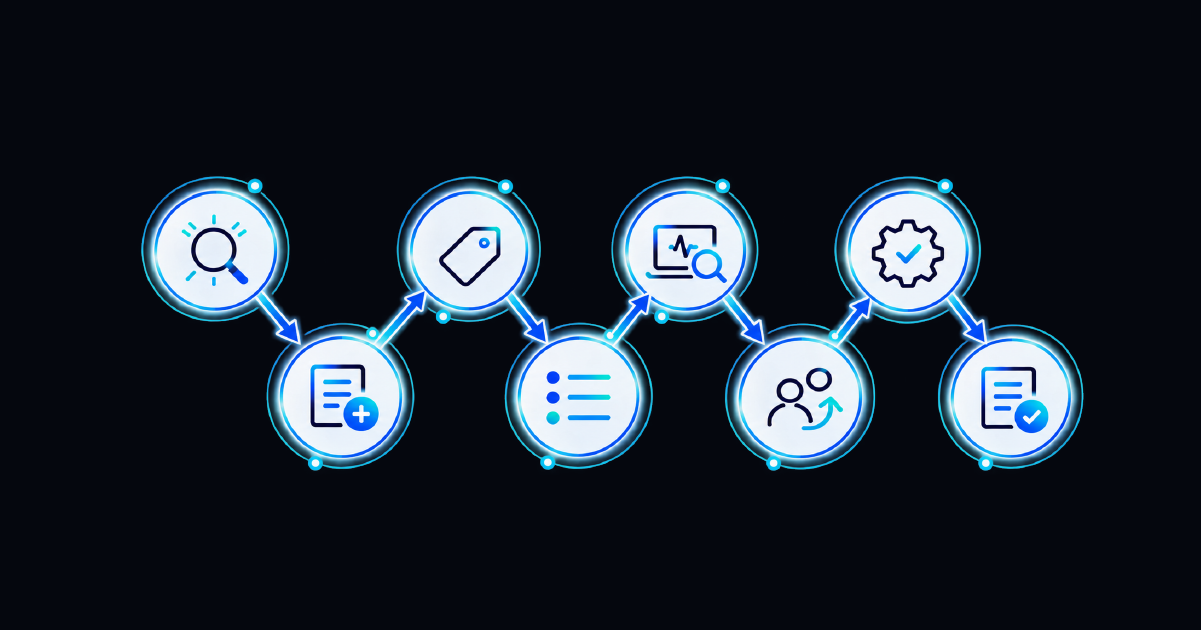
Every manual runbook still requires someone to receive the request or alert, find the procedure, execute each step correctly, document the result, and determine whether the issue has actually been resolved.
As environments scale, that dependency becomes a bottleneck.
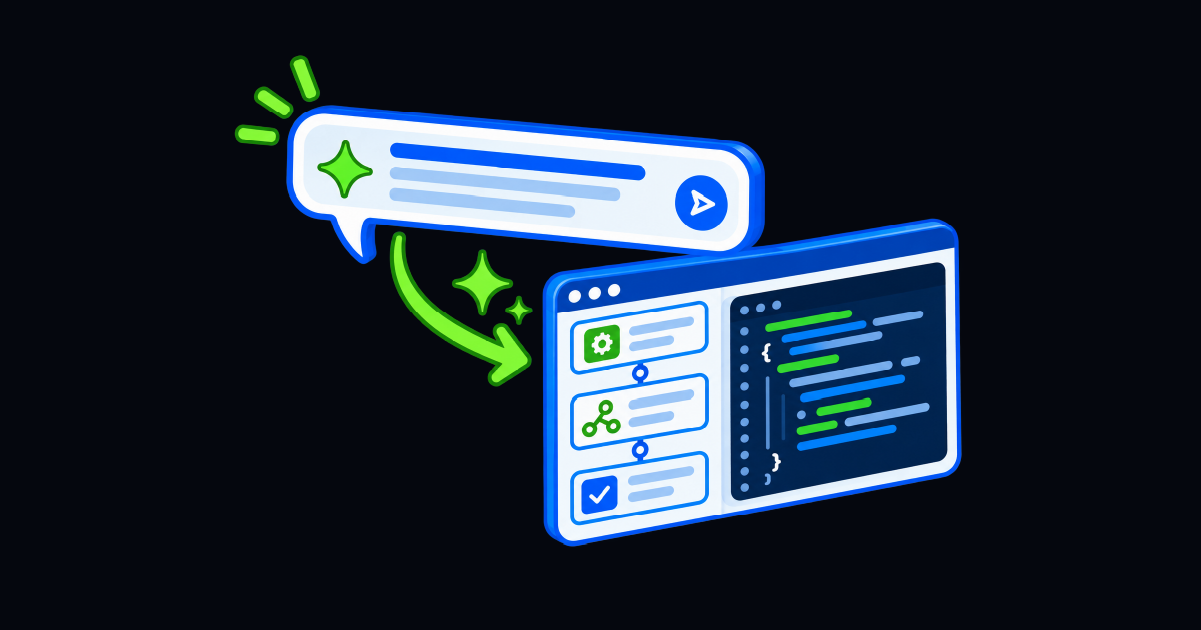
Runbook automation converts those documented steps into executable workflow logic.
Instead of an alert telling an engineer to open a runbook, the alert itself can trigger the runbook. Automation can gather diagnostic information, evaluate conditions, perform approved actions, validate the result, update the relevant ITSM record, and preserve an audit trail of what occurred.
The human doesn't necessarily disappear from the process, either.
Higher-risk steps can require approval. Unexpected conditions can trigger escalation. Failed verification can route the incident to an engineer along with the diagnostics and actions already completed.
A practical place to start is with high-volume, low-risk runbooks that have clear success criteria. Once those procedures execute reliably, teams can expand automation into more complex workflows.
Make the Runbook Executable
At its simplest, a runbook is a repeatable answer to a repeatable problem.
It documents the steps required to handle a known issue or operational task, so the outcome doesn't depend on tribal knowledge, memory, or improvisation.
Runbooks can remain manual. They can combine scripted steps with human approvals. Or they can become fully automated workflows triggered directly by monitoring and operational events.
For many IT teams, all three will coexist.
The opportunity is to identify the procedures that no longer need a person manually working through every instruction. When the issue is known, the response is predictable, and success can be verified, the runbook is a strong candidate for automation.
Ready to move more manual runbooks toward automated ones? Explore our complete guide to runbook automation tools to see how the technology works and what to look for when evaluating a platform.
Frequently Asked Questions
What is a runbook in IT?
A runbook in IT is a documented, step-by-step procedure for resolving a known issue or completing a recurring operational task. It helps ensure that the same task is performed consistently regardless of who or what executes it.
What are the three types of runbooks?
Runbooks generally fall into three categories: manual, semi-automated, and fully automated. Manual runbooks require a person to perform each step. Semi-automated runbooks automate some steps while retaining human triggers or approvals. Fully automated runbooks can execute the entire procedure without manual intervention.
What is the difference between a runbook and a playbook?
A runbook provides detailed steps for completing a specific technical task, while a playbook covers a broader response scenario that may involve multiple decisions, teams, and possible paths. A playbook can call on several individual runbooks during execution.
What should be included in a runbook?
A runbook should clearly define when the procedure applies, the steps to execute, required inputs or dependencies, expected outcomes, validation steps, and escalation conditions. Automated runbooks should also include appropriate controls, exception handling, and logging.
What is runbook automation?
Runbook automation turns documented operational procedures into executable workflows. Instead of requiring an engineer to manually follow each instruction, an automation platform can execute some or all of the procedure, validate the result, record what happened, and escalate when human intervention is required.