
Real-World Service Desk Automation: Use Cases That Prove a Platform is Enterprise-Ready

Most conversations about service desk automation stay at the strategy level for too long. Capability checklists and evaluation frameworks matter, but they won’t show you what the platform does when something breaks at 2 AM, or what happens when a single incident crosses four team boundaries before it can close.
These scenarios show where simpler platforms start to give way. Teams usually automate the clean, single-system work first. The harder cases come next, and that is where more system boundaries, more exceptions, and more coordination start to expose the limits.
Use Case 1: Incident Response at 2 AM
What Happens to an Incident When No One is Awake
A storage array on a production server starts throwing I/O errors at 2:47 AM. With no one awake, the on-call engineer won’t see an alert for another four hours. In a standard setup, that four-hour window is where degradation turns into an outage. The alert fires and sits in a queue while the incident grows, and by the time the engineer picks it up, the window for a clean remediation has usually closed.
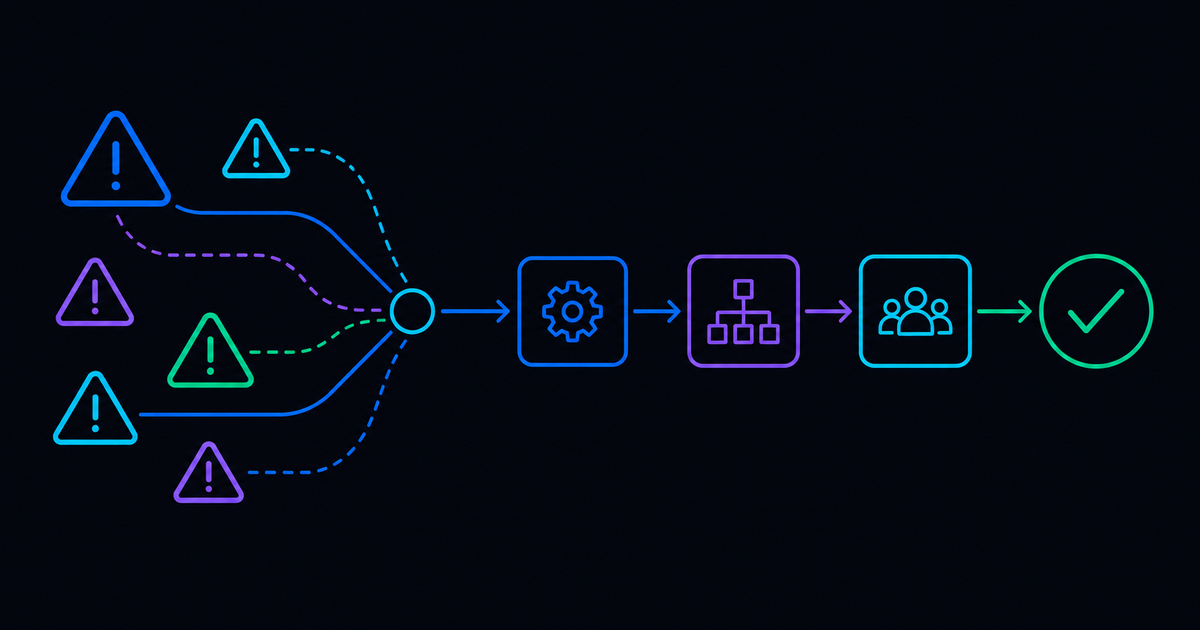
A stronger platform starts working before that alert can sit there for hours. The monitoring tool detects the I/O error and fires a trigger. The platform pulls diagnostics from the affected system and runs remediation.
If the fix works, the platform verifies the resolution and closes the incident, logging what it detected and what it ran, along with the system state at each stage. The on-call engineer wakes up to a closed incident with a complete record attached.
If the remediation fails, the platform escalates with context already assembled. The engineer picks up a ticket with the diagnostic output and the attempted fix already attached. The first fifteen minutes of investigation are done before anyone opens a laptop.
Why the Audit Trail Matters as Much as the Fix
The audit trail is its own conversation. Enterprise environments face regular compliance reviews and post-incident investigations. A platform that resolves incidents without logging every action in a reviewable format creates a documentation problem, even when the technical fix succeeds. The record needs to show what happened at each stage and what the system state was after each action, and that record is what keeps a closed incident from resurfacing in the next compliance review.
A good audit trail is specific enough that an engineer, a compliance reviewer, and a security team lead can each look at the same record and find what they need. The log has to capture more than a status update. It needs the timestamp of each action, the input the workflow used to make a decision, the system it touched, and the state it left that system in. Without that level of detail, the record becomes a summary. Summaries won’t hold up in post-incident reviews.
In practice, this matters most when a closed incident comes back as an audit question three months later. If the platform logged a status change, but not the decision that triggered it, then the team is reconstructing a story from partial notes. The fix is easy to show in a demo, but demonstrating the documentation chain is harder, and reconstructing it after the fact is harder still if it was never built properly.
Use Case 2: New Hire Provisioning Across Fourteen Systems
Why Manual Provisioning Fails on the First Day
Manual provisioning in this scenario means someone on the IT team picks up a request and works through a checklist that spans Active Directory, Microsoft 365 licensing, Salesforce access with the correct role and territory, VPN configuration, and email setup. Every system is separate, and every step is a place where something can be missed or handled out of order. The consequences usually show up when the rep sits down on Monday morning, and something is missing. In practice, it’s usually the Salesforce access that didn’t come through or the VPN profile that wasn’t built correctly because a field in the HRIS record was formatted differently, etc.
On the first day, when the rep is trying to get oriented and cannot access the tools they need, that becomes a support ticket within the first hour.
When the HRIS fires the trigger on Friday, a mature platform runs the full sequence. Every system gets updated, and every access gets provisioned. No one on the IT team opened a ticket. The rep has what they need on day one.
What Enterprise Automation Does When the Chain Breaks
The harder test happens when something in the chain fails. In a manual process, a chain failure becomes a separate back-and-forth between IT and the relevant owner. That back-and-forth usually starts on Friday afternoon, when the people who need to approve things have already moved on to their work. By Monday, someone is still waiting on a response, and the rep shows up at a partially configured environment.
A mature platform keeps moving through these conditions. When the license pool comes up short, the platform routes a request to the license owner and continues provisioning everything else. If the Salesforce role needs manager approval, the platform sends the request, holds that step, and keeps moving. The workflow routes exceptions to the right people and resumes when the input comes back, and the start date holds.
Use cases like this one reveal where a platform’s limits are. Enterprise IT deals with the messier version of these situations, while the demo walkthrough is clean. It’s critical to test beyond the demo to avoid missing approvals and edge case entitlements.
Use Case 3: Cross-Functional Workflows
Cross-functional workflows are where the real separation happens. The incident response scenario touches one system, and the provisioning scenario runs through several systems in order. Cross-functional workflows reach across team boundaries and multiple tool categories at the same time. Most platforms handle one layer well and rely on humans to bridge the rest.
That bridge usually looks like a Slack message, a handoff email, or a meeting to align on what happened and what needs to happen next. At low volume, it is manageable. When the same kind of cross-functional work happens dozens of times a week, the coordination overhead becomes its own problem.
What Cross-Team Coordination Costs
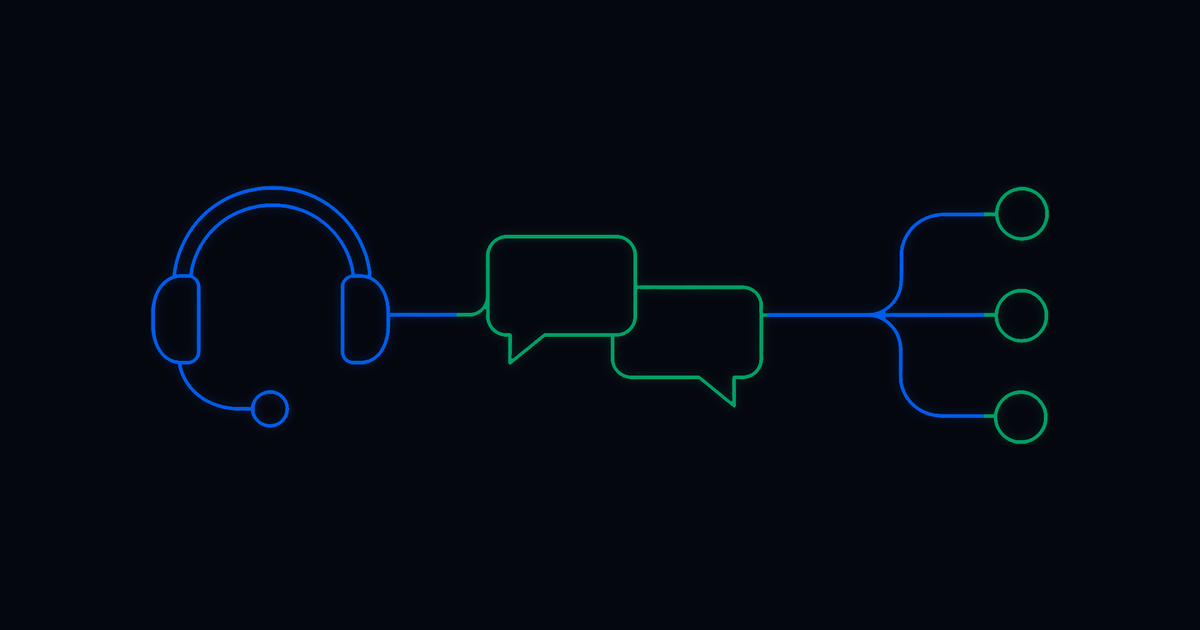
At 11:20 AM on a Tuesday, latency spikes on a network segment that a cloud-hosted application depends on. Users start reporting slowness. The monitoring tool fires an alert. In a standard environment, the alert routes to a network engineer and a cloud operations engineer separately. Neither team has full context on what the other is seeing.
The network engineer starts pulling device logs while the cloud team looks at application performance metrics on their own. They piece together what happened through a shared channel and coordinate a fix from there. In some cases, the network team resolves the network issue without knowing the cloud team has already scaled resources to compensate, and the two actions work against each other temporarily before anyone notices. During all of that, the application is still slow, and users are still filing tickets.
Depending on team availability and how quickly the communication happens, the resolution window can stretch from twenty minutes to two hours for something that has a straightforward fix once the source is identified.
A mature platform starts working the moment the alert fires. It queries the network devices on the affected segment to isolate the source of the degradation and simultaneously scales cloud resources for the affected application to compensate for the latency. It opens an ITSM incident with the diagnostic output already attached and notifies both teams of the actions already taken. When the network issue clears and latency returns to baseline, the platform scales cloud resources back down and closes the incident with a complete record of every action taken across every system involved.
The engineers are still involved. Their job becomes review and sign-off. The coordination between teams happens inside the workflow, which means it runs the same way every time, regardless of who is on call that day.
How Mature Automation Handles a Security Alert
A security tool flags an endpoint for unusual outbound traffic at 3:15 PM. In a standard environment, the alert goes to a security analyst. They open an investigation and request endpoint details from the IT team. Once those arrive, they scan the endpoint and file an ITSM incident. The endpoint stays connected to the network throughout the investigation window.
A mature platform moves faster than that sequence allows. The moment the security tool fires, the platform quarantines the endpoint and pulls its profile from the endpoint management system, including running processes and recent network connections. The platform opens an ITSM incident with the gathered data already attached and routes the forensic findings to the security team while the endpoint is contained.
The analyst receives a notification with the quarantine status and forensic findings assembled. They open a ticket that has what they need, and if the scan comes back clean, the platform releases the quarantine and closes the incident with analyst sign-off. When the scan flags something, the analyst has the context to move forward without pulling data from separate systems.
Use Case 4: Resolving Ticket Types the Platform Has Never Seen Before
What Happens When a Standard Platform Has No Script for the Request
This is the use case that separates platforms with genuine agentic capability from everything else. Standard service desk automation runs on libraries of known patterns. When a request matches a known script, it executes. When nothing matches, it stops.
Enterprise IT teams run into requests like this regularly. A user needs access to a legacy application that predates the current ITSM implementation. Another request comes in with an entitlement combination that the system has never processed. Standard platforms receive these tickets and route them to an engineer when nothing matches. The engineer resolves it and closes the ticket. Six weeks later, the same request comes in, and the same thing happens.
How an Agentic Platform Handles Requests It Has Never Seen
An agentic platform reads the request and works through the resolution, even when no predefined script exists for that situation. It pulls the relevant system data and works toward the resolution, logging each step. For the reporting tool example below, that means the platform checks the tool's access requirements against the company's provisioning rules and verifies the user's role and cost center before running the provisioning steps. None of those steps was pre-written for this request. The platform assembled the path from what it knew about the tool and the user, and executed it.
A practical example: a user submits a request for access to a reporting tool that sits outside the standard software catalog. The tool is used by a handful of teams and has never been provisioned through the service desk. An agentic platform reads the request and provisions the access if the user qualifies. If approval is needed, the platform routes it and picks the workflow back up when the response comes in. The request closes the same day in most cases. The next time a request comes in for that same tool, the platform has already worked through it once, and the path is faster.
Engineers still handle the cases that require genuine judgment. A significant share of requests that previously needed a human now close without one, including ticket types the platform had never processed before.
For teams whose ticket volume has plateaued, this is the use case worth examining. Most evaluations focus on the use cases the platform was built to handle. The question that matters more is what happens to the work that falls outside the known patterns. That is where the remaining volume lives and where most platforms stop.
What These Use Cases Have in Common
Where Service Desk Automation Fails in Production
Each of these scenarios crosses system boundaries. Something unexpected can happen in all of them, and the platform needs to produce a reviewable record when it is done.
These scenarios each have a failure point, and it is usually the same thing: the platform reaching a boundary it cannot cross and handing the work to a human. The boundary might be a system it was never integrated with, or an exception that the workflow was not designed to handle. In either case, the work ends up with a person.
Enterprise IT runs on the messier version of these scenarios, where approvals are missing, and incidents cross team boundaries before they close. The teams that evaluate platforms well bring specific scenarios to the demo. The one from last quarter, where a license ran out mid-sequence, and someone had to chase down an approval over email. That is more useful than a textbook walkthrough with a clean trigger and no exceptions.
The question worth asking in any evaluation is whether the platform can handle the workflow when something in the middle of it changes. A useful way to test this is to bring a real scenario from the last quarter, something that broke mid-workflow or required a manual bridge between two teams, and run it in the evaluation environment. See where the platform stops. The demo version is the easy version. Ask to see what happens when an exception shows up. The answer to that question is what the platform will be doing on the days that matter most.
How Resolve Handles These Workflows
RITA operates across the full environment, including the systems that sit outside the ITSM layer. The agentic architecture lets the platform continue working through conditions it was never explicitly scripted for, which is what makes the cross-functional and novel ticket scenarios above possible at scale.
Resolve customers have cut ticket turnaround from eight days to two hours, deflected 96 percent of request emails, and saved over $1.2 million annually on support operations. Across the customer base, the platform has logged over one billion executions and serves more than five million employees. Resolve was also named the only Visionary in the 2025 Gartner® Magic Quadrant™ for Service Orchestration and Automation Platforms.
For a lot of enterprise IT teams, this is normal day-to-day work. If your current platform hands work to a human at any of the boundaries described above, that is worth understanding before the next renewal conversation.
Frequently Asked Questions
What Are Common Service Desk Automation Use Cases?
Common service desk automation use cases include incident response and remediation, employee onboarding and provisioning, cross-functional IT workflows, security incident response, and fulfillment of service requests. More advanced platforms can coordinate work across multiple systems and teams rather than automating only individual service desk tasks.
How Does Service Desk Automation Handle Workflow Exceptions?
Enterprise service desk automation can identify exceptions, route approvals or decisions to the appropriate person, continue executing unaffected steps, and resume paused steps when the required input becomes available. This helps prevent a single failed step, missing approval, or unavailable resource from stopping an entire workflow.
What Makes a Service Desk Automation Platform Enterprise-Ready?
An enterprise-ready service desk automation platform should be able to orchestrate workflows across multiple systems and teams, handle exceptions and changing conditions, automate remediation, escalate issues with relevant context, and maintain a detailed audit trail of actions and system states. These capabilities become especially important for complex workflows that extend beyond the ITSM platform.
.png)
.png)